

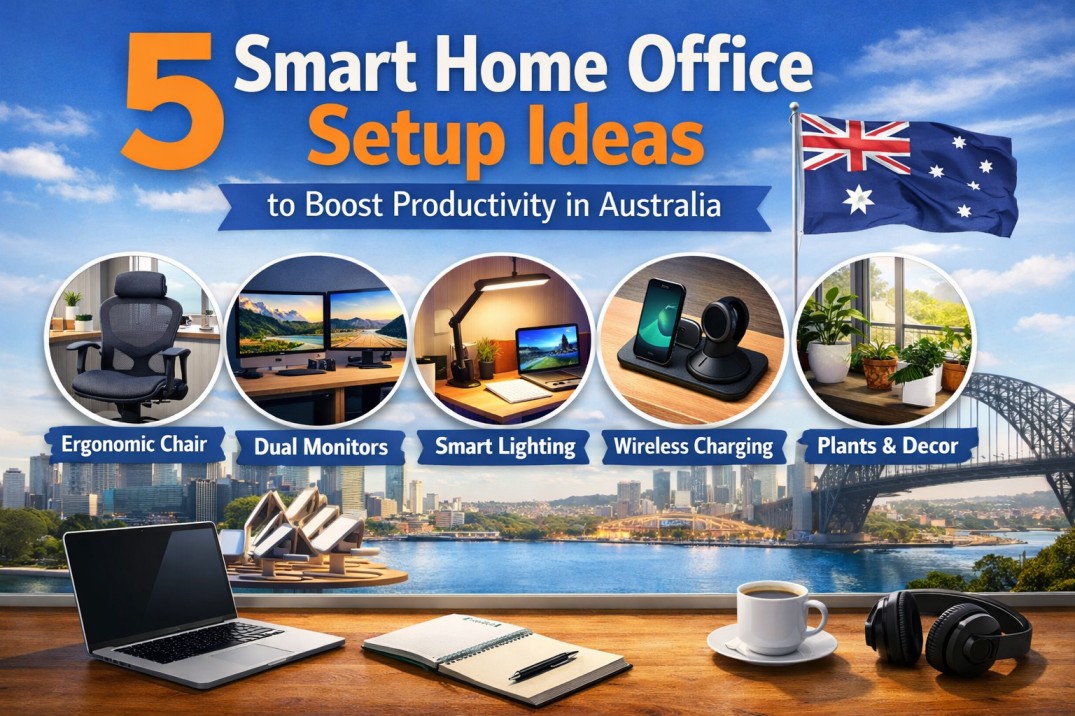
Introduction: Why Your Home Office Setup Matters More Than Ever
Working from home has become a permanent part of life across Australia. Whether you’re running a business, working remotely, or managing a hybrid schedule, your home office setup directly impacts your productivity, focus, and overall wellbeing.
Many people underestimate how much their environment influences performance. A poorly designed workspace can lead to distractions, discomfort, and even long-term health issues like back pain. On the other hand, a well-planned setup helps you stay focused, organised, and energised throughout the day.
In this guide, we’ll explore practical and effective home office setup ideas Australia professionals are using to improve productivity. From choosing the right chair to optimising lighting and layout, these strategies will help you create a workspace that actually works for you.
1. Invest in an Ergonomic Chair That Supports Your Body
One of the most important elements of any home office is your chair. Sitting for long hours without proper support can lead to back pain, poor posture, and reduced productivity.
An ergonomic chair is designed to support the natural curve of your spine while allowing movement and flexibility. Features like adjustable lumbar support, seat height, armrests, and recline tension make a significant difference in comfort.
The Ergohuman 2 Luxury SE Office Chair is a strong choice for Australian home offices. It offers advanced ergonomic support, breathable mesh, and a wide range of adjustments that allow you to customise the chair to your body. This level of support helps reduce fatigue and keeps you focused for longer periods.
When your body is comfortable, your mind can concentrate better. That’s why investing in a high-quality chair is not a luxury it’s a necessity.
2. Position Your Desk and Monitor for Proper Posture
Your desk setup plays a crucial role in maintaining healthy posture. Many people unknowingly strain their neck and shoulders due to incorrect monitor placement.
For optimal alignment:
- Your monitor should be at eye level
- The screen should be about an arm’s length away
- Your elbows should rest at a 90-degree angle
- Your feet should be flat on the floor
If your monitor is too low, you’ll constantly tilt your head forward, which can cause neck pain. Using a monitor stand or adjustable desk can help fix this issue.
Pairing a properly positioned desk with an ergonomic chair ensures your entire workstation supports your posture, not works against it.
3. Create a Distraction-Free Workspace
Productivity thrives in a focused environment. One of the most effective home office setup ideas Australia workers can implement is creating a dedicated, distraction-free space.
If possible, set up your office in a quiet area of your home. Avoid working from your bed or couch, as this can reduce both productivity and mental separation between work and rest.
Simple ways to minimise distractions include:
- Using noise-cancelling headphones
- Keeping your desk clutter-free
- Setting boundaries with family members during work hours
- Turning off unnecessary notifications
A clean, organised space helps your brain stay focused and reduces mental fatigue. The goal is to create an environment where you can consistently do deep, uninterrupted work.
4. Optimise Lighting for Focus and Comfort
Lighting is often overlooked, but it has a major impact on productivity and eye health.
Natural light is ideal for any home office. Position your desk near a window if possible, as daylight improves mood, energy levels, and focus. However, avoid placing your screen directly in front of or behind a window to prevent glare.
If natural light is limited, invest in good-quality artificial lighting. A combination of ambient lighting and a desk lamp works best.
Warm lighting can create a relaxed atmosphere, while cooler lighting helps with alertness and concentration. Many Australian professionals prefer adjustable lighting that can change throughout the day.
Good lighting reduces eye strain, prevents headaches, and keeps you comfortable during long work sessions.
5. Organise Your Workspace for Efficiency
A cluttered desk leads to a cluttered mind. Organisation is key to maintaining productivity in your home office.
Start by removing anything you don’t use regularly. Keep only essential items within reach, such as your keyboard, mouse, notebook, and daily tools.
Use storage solutions like:
- Desk drawers
- Cable management systems
- Shelving units
- Document organisers
Digital organisation is just as important. Keep your files structured and your desktop clean to avoid wasting time searching for documents.
An organised workspace allows you to focus on your tasks without unnecessary interruptions, making your workflow smoother and more efficient.
Why Ergonomics Should Be Your Top Priority
When looking at home office setup ideas Australia professionals swear by, ergonomics always comes first.
Poor posture and uncomfortable seating can lead to:
- Lower back pain
- Neck and shoulder strain
- Reduced concentration
- Long-term health issues
An ergonomic setup supports your body throughout the day, allowing you to work longer without discomfort.
The Ergohuman 2 Luxury SE Office Chair is designed with this in mind. Its adjustable lumbar support, flexible mesh design, and intuitive controls make it ideal for maintaining proper posture in any home office environment.
By prioritising ergonomics, you’re not just improving comfort—you’re investing in your productivity and health.
How Your Home Office Setup Affects Productivity
Your workspace directly influences how you think, feel, and perform.
A well-designed home office can:
- Increase focus and efficiency
- Reduce stress and fatigue
- Improve work quality
- Support better time management
On the other hand, a poorly designed setup can lead to distractions, discomfort, and burnout.
By applying the right home office setup ideas Australia professionals rely on, you can create an environment that supports your goals and helps you perform at your best every day.
Common Mistakes to Avoid When Setting Up Your Home Office
Even small mistakes can have a big impact on your productivity.
Some common issues include:
- Using a dining chair instead of an ergonomic chair
- Poor monitor positioning
- Inadequate lighting
- Working in a noisy or shared space
- Ignoring cable and desk organisation
Avoiding these mistakes ensures your workspace remains functional, comfortable, and efficient.
Who Benefits Most from a Proper Home Office Setup?
A well-designed home office isn’t just for remote workers. It benefits:
- Freelancers and business owners
- Corporate employees working from home
- Students and online learners
- Gamers and content creators
Anyone who spends extended time at a desk can benefit from an optimised workspace.
Final Thoughts: Build a Workspace That Works for You
Creating the perfect home office doesn’t require a complete overhaul. Small, intentional changes can make a significant difference in how you work and feel.
Start with the basics an ergonomic chair, proper desk setup, and good lighting then build from there. Focus on comfort, organisation, and minimising distractions.
If you’re serious about improving your productivity, investing in the right setup is one of the smartest decisions you can make. A well-designed home office supports not only your work but your overall wellbeing.
Leave a Reply