
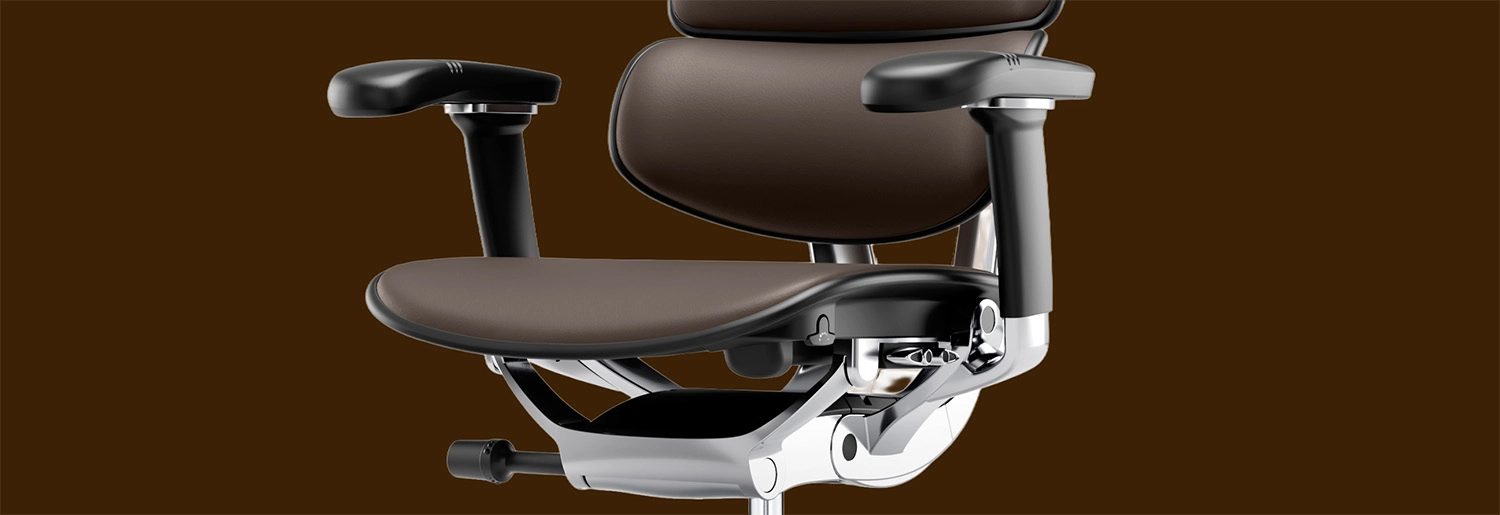


How to Adjust an Office Chair for Upper Back and Shoulder Tension
 ErgoHuman Staff17 July 20265 Mins read
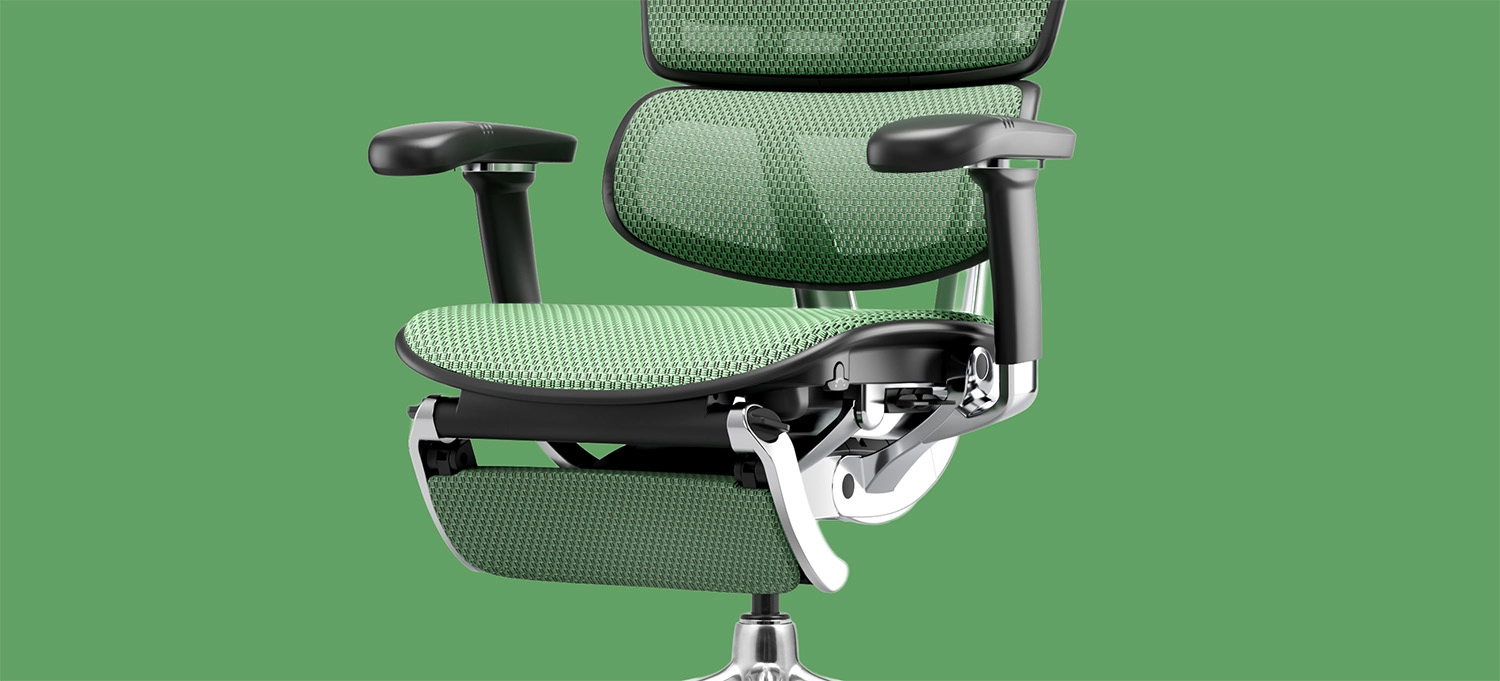
Upper back and shoulder tension is one of the most common complaints among people who spend long hours at a desk, and it’s often blamed on stress or long hours alone. In reality, a huge portion of this tension comes down to something far more fixable: how your chair is set up. A chair that isn’t adjusted correctly forces your shoulders, neck, and upper back to compensate constantly throughout the day, even if the chair itself is a high-quality ergonomic model. Before making any changes, it helps to confirm your chair was properly set up in the first place, so it’s worth checking the assembly instructions for your specific model to rule out any setup issues before adjusting further. View Our Premium Range
This guide walks through exactly how to adjust an office chair to relieve upper back and shoulder tension, covering each adjustment point and why it matters.
Why Upper Back and Shoulder Tension Builds Up at a Desk
Unlike lower back pain, which is often linked directly to lumbar support, upper back and shoulder tension usually stems from a combination of posture issues that build gradually throughout the day:
- Shoulders raised or hunched because armrests sit too low or too high
- Rounded upper back from leaning forward toward a screen positioned too far away or too low
- Neck strain from a headrest that doesn’t actually support the head during recline
- Static muscle tension from sitting in one fixed position for hours without natural micro-movement
Because these issues develop slowly, many people don’t realise their chair setup is the underlying cause until the discomfort becomes a regular, nagging problem.
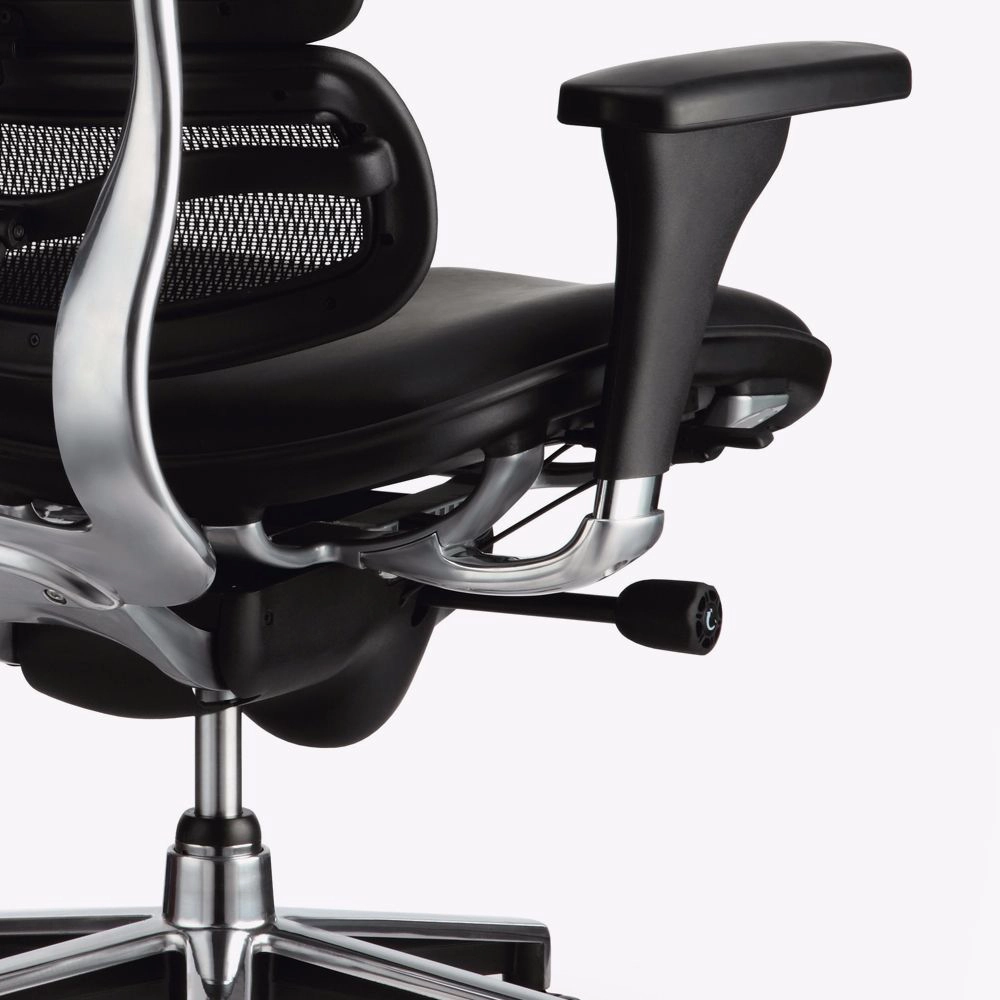
Step 1: Get Your Seat Height Right First
Before adjusting anything else, seat height needs to be correct, since it affects how your whole body aligns with your desk.
- Sit with your feet flat on the floor and knees at roughly a 90-degree angle
- Your thighs should be roughly parallel to the floor, or very slightly angled downward
- Check that your forearms can rest comfortably on your desk without your shoulders lifting to reach it
If your desk height is fixed and doesn’t match your ideal seat height, this is often the hidden root cause of ongoing shoulder tension, since your body will compensate by raising your shoulders regardless of how well the rest of the chair is adjusted.
Step 2: Adjust Armrests to Support, Not Strain
Armrests are one of the most overlooked contributors to upper back and shoulder tension. If they sit too low, your shoulders drop and your upper back rounds forward to compensate. If they sit too high, your shoulders are forced upward into a hunched position for hours at a time.
To adjust correctly:
- Raise or lower the armrests so your elbows rest at a natural 90-degree angle when your hands are on the keyboard
- Adjust width so your arms aren’t forced inward or outward unnaturally
- If your chair includes depth or pivot adjustment, angle the armrests slightly inward to match natural arm positioning during typing
Properly adjusted armrests take a significant amount of static weight off your shoulders and upper back, particularly during long typing or mouse-based work.
Step 3: Set the Backrest and Lumbar Support Correctly
While lumbar support is often associated with lower back comfort, an incorrectly angled backrest also plays a major role in upper back tension. If the backrest is reclined too far back without adequate support, your upper back and neck end up compensating to keep your head upright.
- Adjust lumbar support so it sits snugly against your lower back’s natural curve
- Set backrest angle so your upper back remains supported rather than floating away from the chair
- If your chair includes back height adjustment, ensure the upper portion of the backrest reaches high enough to support your shoulder blades, not just your lower back
A backrest that properly supports the full length of your spine, rather than just the lumbar region, significantly reduces the compensatory tension that builds in the upper back over a long workday.
Step 4: Use the Headrest Correctly
Not everyone uses their chair’s headrest constantly, but during focused, forward-leaning work, an incorrectly positioned headrest can contribute to persistent neck and shoulder tension.
- Adjust headrest height so it supports the base of your skull, not the middle of your neck or shoulders
- Use the headrest during short recline breaks throughout the day to actively release tension, rather than leaving it unused
- If the headrest angle is adjustable, tilt it slightly to match your natural neck position rather than forcing your head into an unnatural angle
Even a few short, well-supported recline breaks throughout the day can noticeably reduce cumulative tension in the neck and upper shoulders.
Step 5: Fine-Tune the Tilt Mechanism for Natural Movement
Sitting perfectly still for hours is actually part of what causes tension to build in the first place. A properly adjusted tilt mechanism allows small, natural movements throughout the day without requiring you to consciously shift position.
- Set tilt tension so the chair moves smoothly with gentle recline, rather than feeling stiff or overly loose
- Allow yourself to lean back slightly during thinking breaks rather than remaining rigidly upright all day
- Avoid locking the tilt mechanism in a single fixed position for extended periods, since this removes the natural micro-movement that helps reduce static muscle tension
Subtle, supported movement throughout the day plays a meaningful role in preventing the muscle stiffness that leads to shoulder and upper back discomfort.
Common Mistakes That Make Tension Worse
Even with a quality ergonomic chair, a few common mistakes can undo the benefit of proper adjustment:
Leaving Factory Default Settings Unchanged
Many people never adjust their chair beyond the factory settings, missing out on the personalised support the chair was actually designed to offer.
Positioning the Monitor Too Low or Too Far Away
Even with a perfectly adjusted chair, a poorly positioned monitor forces the neck and shoulders forward, undoing much of the benefit of correct seating adjustments.
Ignoring Armrest Adjustment Entirely
Armrests are frequently left at default height, which is one of the most common overlooked contributors to shoulder tension throughout the day.
Sitting in the Same Position for Hours Without Micro-Movement
Even a well-adjusted chair benefits from small, natural shifts in position throughout the day rather than complete stillness.
When to Consider a Chair Upgrade
If you’ve adjusted every element of your current chair correctly and are still experiencing persistent upper back or shoulder tension, it may indicate the chair itself lacks the adjustability needed to properly support your body. This is particularly common with budget chairs offering only basic height adjustment and no genuine lumbar, armrest, or tilt customisation.
For workspaces needing genuine, multi-point adjustability, the Ergohuman range is built specifically around supporting proper posture through adjustable lumbar support, 4D armrests, and a synchronized tilt mechanism designed for natural movement throughout the day. Once you’ve chosen a chair, following the correct assembly and setup instructions ensures every adjustment point functions exactly as intended from the very first sit.
If you’re looking to fine-tune your current setup further, our accessories range includes additional support options to help you get the most out of your existing chair.
Final Thoughts
Upper back and shoulder tension is rarely just a matter of stress or long hours, it’s very often a direct result of how your chair is set up. Taking the time to properly adjust seat height, armrests, backrest support, headrest position, and tilt tension can make a significant difference to how you feel by the end of the workday.
Still experiencing tension despite adjusting your chair? Get in touch with our team for personalised advice on finding or fine-tuning an ergonomic chair that genuinely supports your posture.

Office Chair Assembly Mistakes: How to Avoid Creaks and Wobbles
A brand new ergonomic chair should feel solid, quiet, and stable from...
ErgoHuman Staff17 July 2026