


Office Chair Tilt Mechanisms Explained: Tilt Lock, Recline and Synchro-Tilt
 ErgoHuman Staff26 October 20266 Mins read
The office chair tilt mechanism is the hidden part of your chair that decides how it behaves when you lean back. It controls whether the backrest moves at all, how much effort that takes, and whether the seat moves with you. Not every chair works the same way. Some let the backrest move on its own, some lock into chosen positions, and others use a synchronized movement between the seat and backrest. This guide explains tilt lock, recline, tilt tension, free-float mode and synchro-tilt in plain language, so you can understand the controls on your chair and use them with confidence.
What Is an Office Chair Tilt Mechanism?
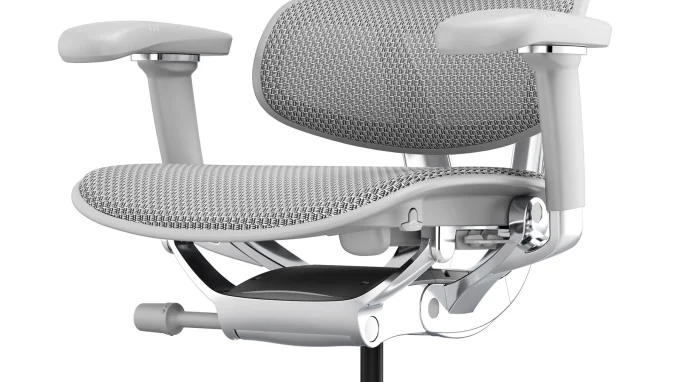
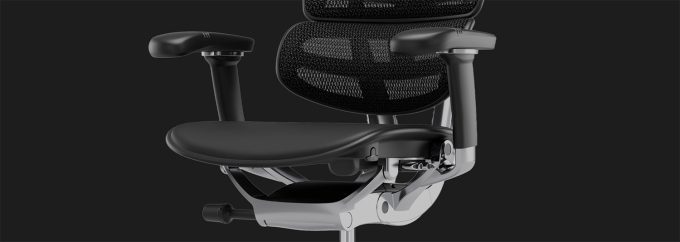
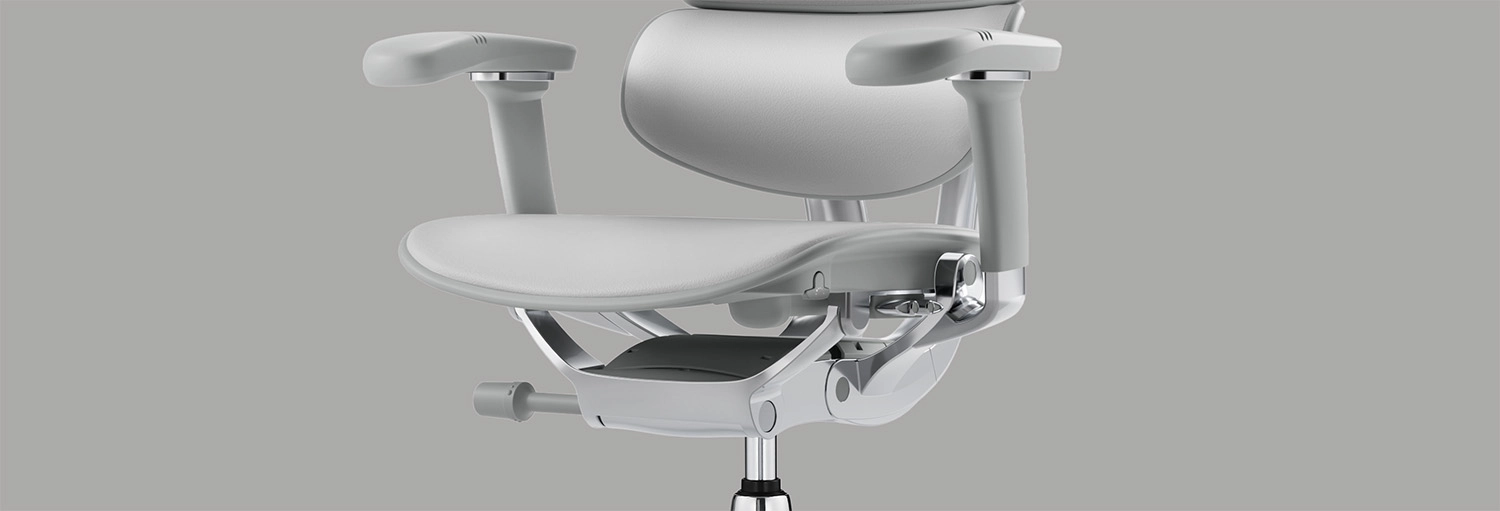
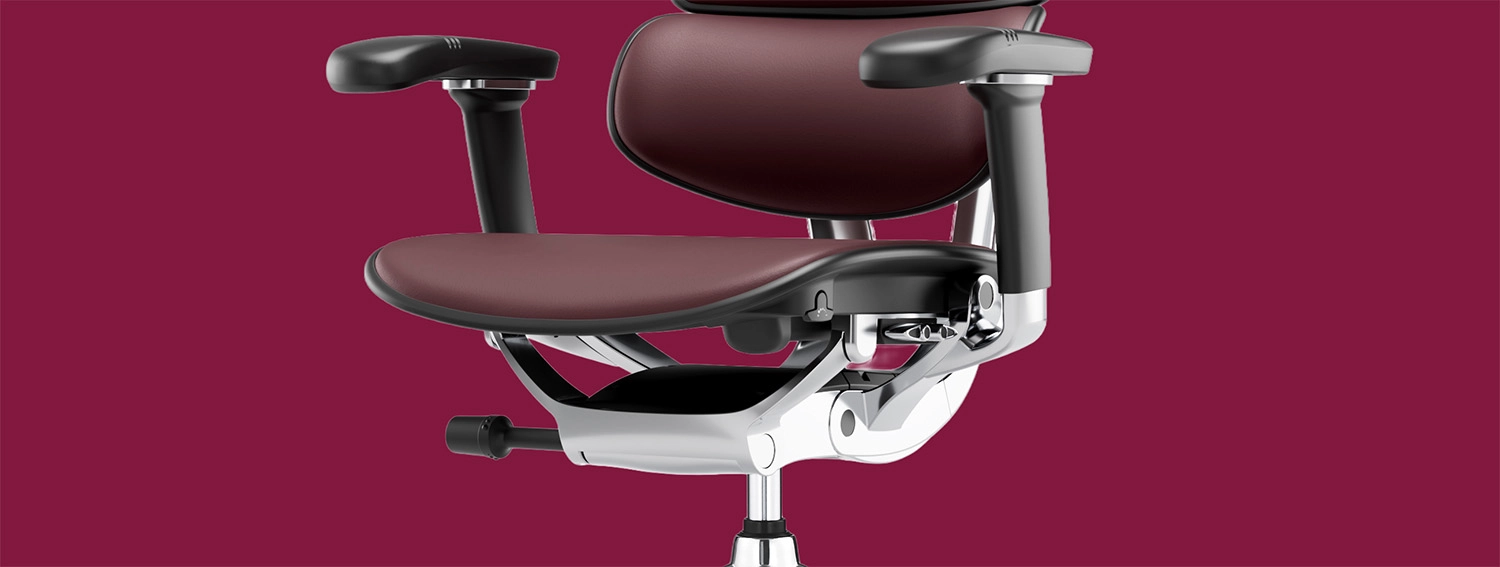
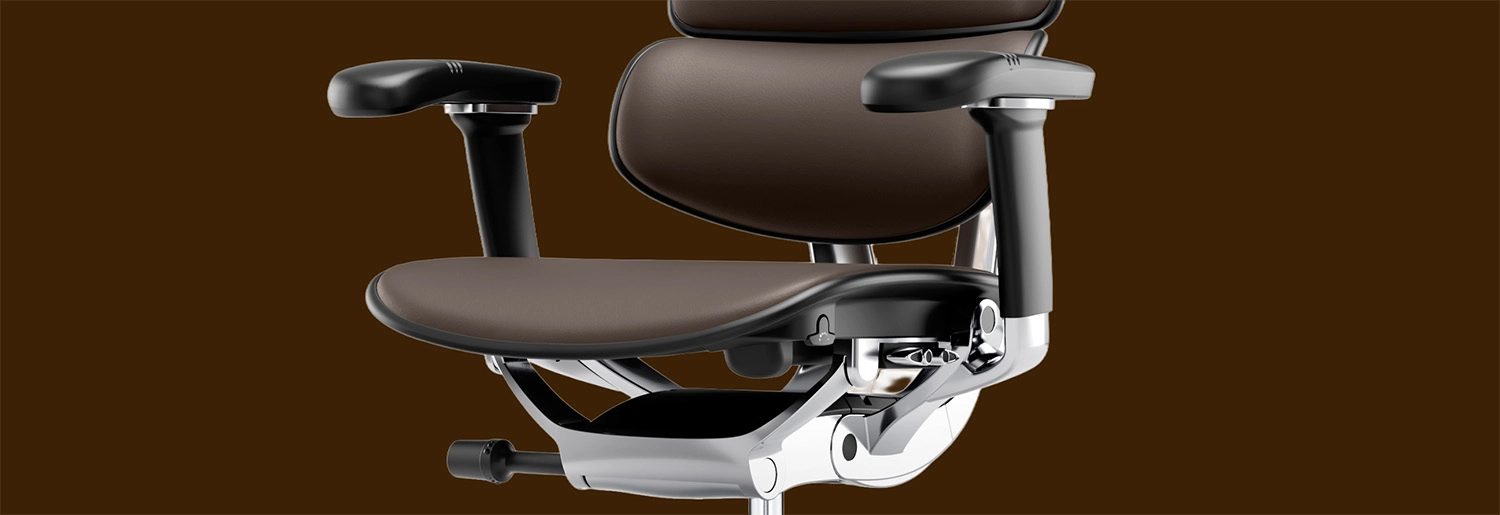
A tilt mechanism is the assembly under the seat that lets the chair move when you lean back. It connects the seat, the backrest and the gas lift, and it provides the resistance that stops you from tipping back suddenly. When you shift your weight, the mechanism allows controlled movement instead of a rigid, fixed position.
Backrest Angle, Seat Angle and Recline Control
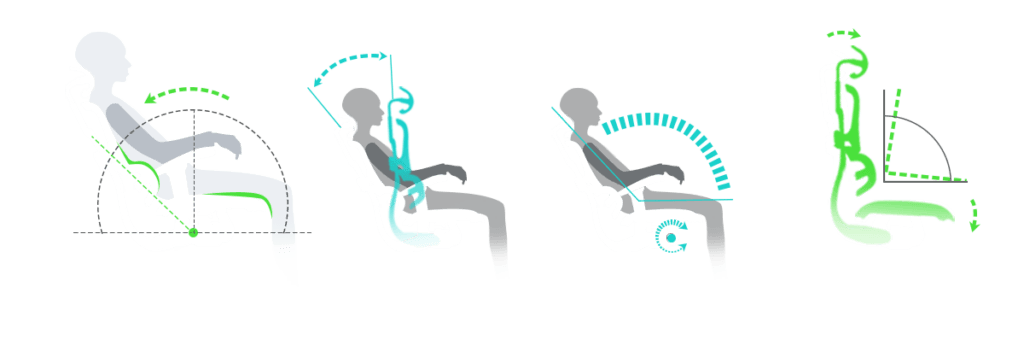
These terms are often used loosely, so it helps to separate them. The backrest angle is how far the back of the chair leans away from vertical. The seat angle is the slope of the cushion. The tilt mechanism is the hardware that links them, and the recline control is the lever, knob or setting you use to operate it. On some chairs the backrest moves while the seat stays level. On others, both move together.
Why Controls Differ Between Chairs
Mechanisms vary between designs, and not every chair offers the same adjustments. A basic chair may only tilt back and forth, while a more advanced one may add locking positions, tension adjustment and synchronised movement. Always treat the controls on your own chair as the reference point, not what another model does.
What Is the Difference Between Tilt Lock and Recline?
Tilt lock and recline are related but they are not the same thing. Recline describes the movement of leaning back. Tilt lock describes holding the chair still in a chosen position.
How Tilt Lock Works
An office chair tilt lock holds the backrest, and often the seat, in the position you have selected. People often use it during focused desk work, such as typing or detailed computer tasks, when they want the chair to stay steady. How many locking positions you get, and how the lock engages, depends on the model. Some offer several positions, while others offer a single upright lock.
What Happens When You Recline?
With an office chair recline mechanism, the backrest angle opens up as you lean back, and the chair keeps supporting you while you do so. This can be useful when you are reading, thinking through a problem or taking a short break from forward-focused work. The key is that the backrest follows you, so you are leaning against support rather than leaning on nothing.
When Should You Lock or Unlock the Tilt?
A locked position suits tasks where you want a stable base. An unlocked setting allows supported movement through the day, which many people find more comfortable over long hours. Neither is best for everyone. Many people use both, locking the chair for concentrated work and unlocking it for calls, reading or short pauses.
What Is a Synchro-Tilt Mechanism?
A synchro-tilt office chair coordinates the movement of the seat and backrest instead of treating them as separate parts. It is one of the most common features on higher-end ergonomic chairs, and it is worth understanding before you compare models.
How Synchro-Tilt Works
In a synchro-tilt mechanism, the backrest and seat move together as you recline. The backrest typically opens up by a larger amount than the seat, so the seat angle changes as you lean back. In simple terms, the chair adjusts both parts at once, rather than leaving the seat flat while the backrest swings away from you. Designs differ, and the ratio of seat movement to backrest movement is not the same on every chair, so do not assume one synchro-tilt chair behaves exactly like another.
What Are the Benefits of Synchro-Tilt?
The practical advantage is a more consistent relationship between you and the chair as you move. Because the seat and backrest travel together, the backrest can stay in contact with your back during recline, and the movement can feel smoother and more natural. This supports comfortable movement across the working day. It is not a guarantee of health outcomes, and comfort remains personal.
Synchro-Tilt vs Standard Tilt
A simple tilt mechanism pivots the whole chair, or just the backrest, around a single point. It can be perfectly adequate for light use, and it is often easier to understand. A synchronized design adds coordinated movement and usually more adjustment. The trade-off is that there are more controls to learn. To see how Ergohuman approaches seat tilt and related adjustments, read through Ergohuman’s ergonomic chair features.
What Is Free-Float Mode on an Office Chair?
A free-float office chair, where the feature is available, lets the backrest follow your reclining motion instead of staying in a fixed position. As you lean back, the chair moves with you, and as you sit forward, it returns with you. This can encourage small, natural position changes during the day.
Free-float works best when the recline tension suits your body, because the mechanism should feel controlled. If it feels unexpectedly stiff or loose, the tension may need adjusting. Free-float controls and the way you select the mode vary by model, so check how your particular chair engages and releases it.
What Is Office Chair Tilt Tension and How Do You Adjust It?
Tilt tension, sometimes called recline tension, sets how much force the chair uses to resist your lean. It is one of the most useful adjustments, and one of the least understood.
Understanding Tilt Tension
Tilt tension affects the effort needed to recline. If it is too tight, leaning back can feel like pushing against a spring, and many people simply stop using the recline. If it is too loose, the chair can feel as though it moves too easily and does not support you enough when you lean. A good setting sits in between, so you can recline with gentle effort and feel supported at the end of the movement.
How to Adjust Tilt Tension Correctly
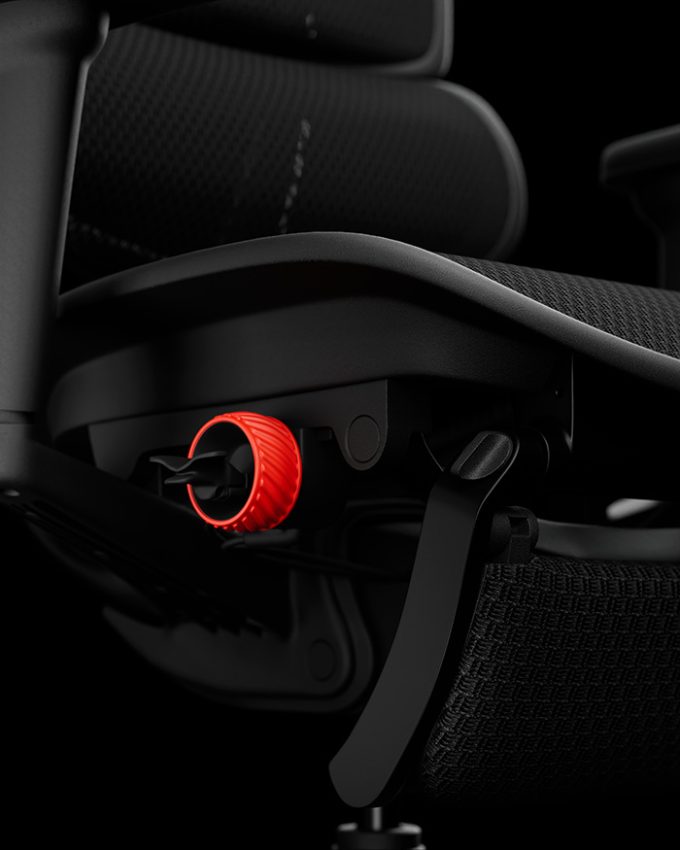
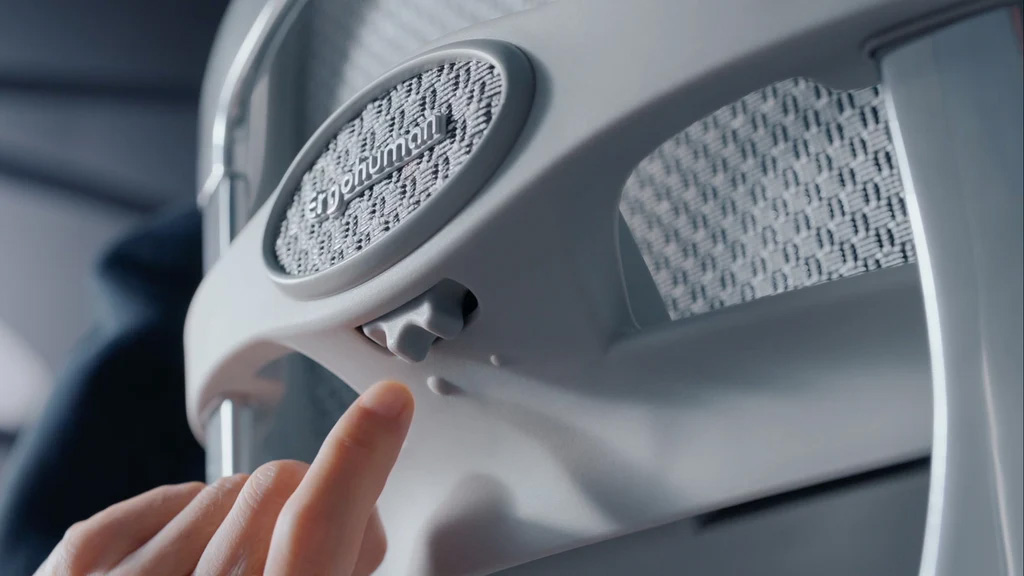
The control is usually a knob or lever under the seat, but its location and the direction you turn it vary between models, so do not assume a universal layout. Check the instructions for your specific chair, including the Ergohuman chair assembly and adjustment instructions if you own an Ergohuman model. Make small adjustments, then sit back and test the movement carefully before changing it again. Small steps are easier to judge, and they help you avoid overcorrecting.
How to Use an Office Chair Tilt Mechanism Correctly
If you have never adjusted a chair before, follow these steps in order.
- Set up the chair first. Adjust the seat height and depth so your feet are supported and you can sit back comfortably.
- Find a comfortable starting position, usually upright with your back against the backrest.
- Adjust the recline tension, where available, so you can lean back with gentle effort.
- Test the recline and the locking functions slowly, one at a time.
- Check that the backrest keeps supporting you as you lean back.
Avoid leaning back abruptly or forcing the mechanism, as that can strain the chair and surprise you. It also helps to change position naturally during the day instead of holding one angle for hours. For wider guidance on setup, see our article on how to adjust an office chair for better support.
Common Office Chair Tilt Mechanism Problems
Most tilt issues have simple explanations, and many are about settings rather than faults. A chair that feels too stiff to recline often has its tension set too high. A backrest that moves too freely may have the tension set too low, or the chair may be unlocked when you wanted it fixed. A tilt lock that does not engage as expected may need the control used in a different way, so check the instructions for how your model locks. Controls that are hard to identify are common, particularly on a new chair.
Start with the basic checks. Make sure you are using the correct control, try the movement without your full weight on the chair, and review the model-specific instructions. If the problem continues, contact the retailer. Do not dismantle the chair, and never attempt to open or remove a pressurised gas lift. Not every problem has the same cause, and the safest step is to ask for help.
Which Office Chair Tilt Mechanism Should You Choose?
The right mechanism depends on how you work. Think about how adjustable you want the chair to be, how long you sit each day, whether you like to recline or prefer a steady upright position, and how easy the controls are to reach and use. A mechanism you can operate comfortably is more valuable than one with features you never touch.
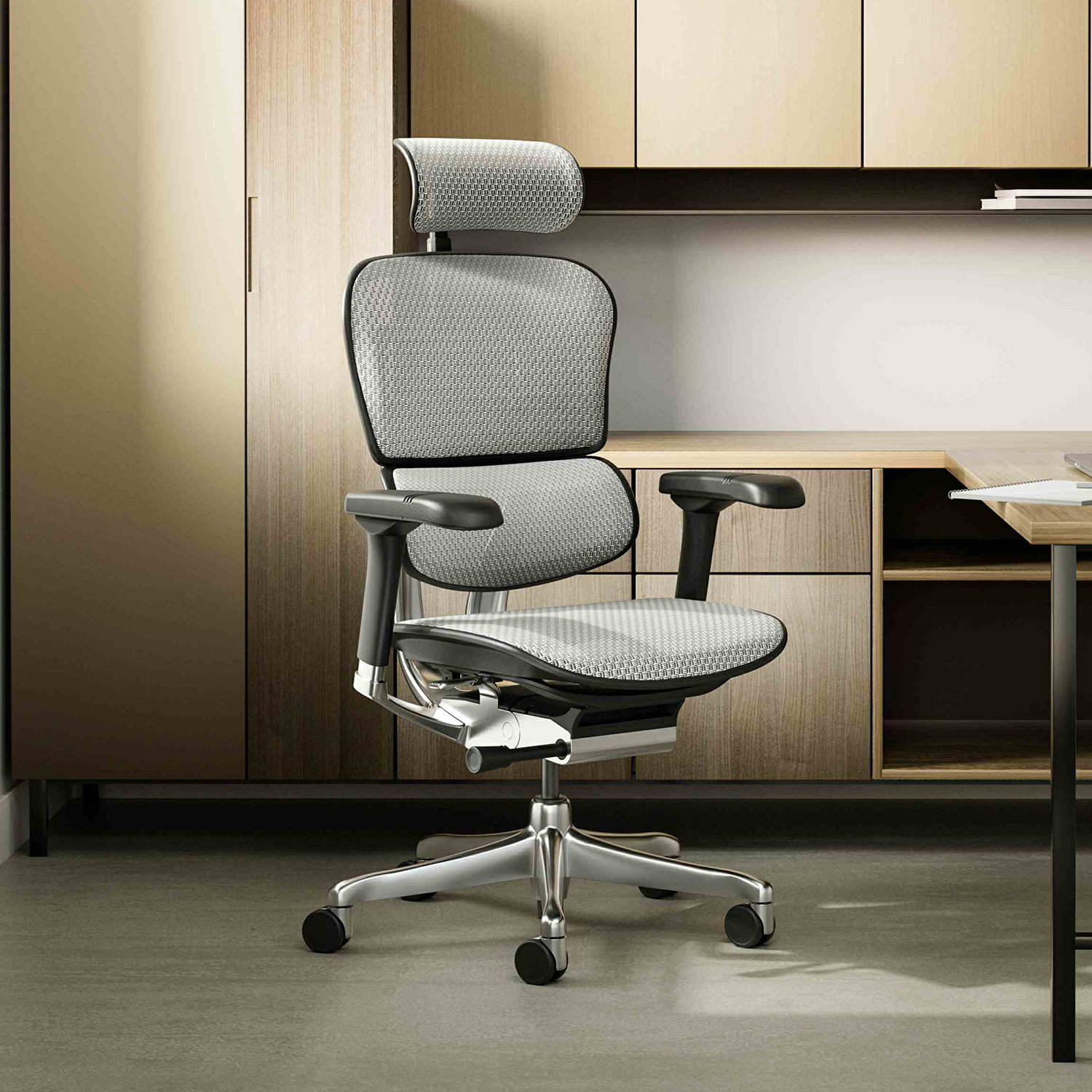
A synchronized tilt mechanism is worth considering if you want coordinated seat and backrest movement as you lean back. As one example, the Ergohuman 2 Elite Mark II office chair is designed around this kind of synchronized movement. No single mechanism is best for everyone, so compare how each one feels against how you actually sit.
Conclusion
Tilt lock holds the chair in a position, recline lets you lean back with support, free-float allows the backrest to follow your movement, tilt tension sets how much effort that movement takes, and synchro-tilt coordinates the seat and backrest together. Learn the controls on your own chair and adjust them gradually so you can feel the difference each change makes. If you would like help with any of this, our team is happy to assist.
Need Help With Your Ergohuman Chair Adjustments?
If you are unsure how your chair’s tilt controls work, or you would like advice on adjustment options, you can contact the Ergohuman Australia team. We can explain the controls on your model and point you towards the right instructions.
How to Adjust Office Chair Seat Depth for Better Comfort and Thigh Support
Sitting down at your desk and feeling the front edge of the...
ErgoHuman Staff26 October 2026
What Is a 5D Armrest? A Complete Guide to Office Chair Armrest Adjustment
If you have shopped for an ergonomic office chair recently, you have...
ErgoHuman Staff28 September 2026
When Should You Replace Your Office Chair? 9 Signs It’s Time for an Upgrade
Most people do not think about their office chair until it starts...
ErgoHuman Staff25 September 2026
Is an Expensive Office Chair Worth It? What You’re Really Paying For
A $150 chair and a $1,500 chair can both claim to be...
ErgoHuman Staff22 September 2026




Leave a comment