


Office Chairs for Hot Desking Australia: Buyer’s Guide
 ErgoHuman Staff29 October 20266 Mins read
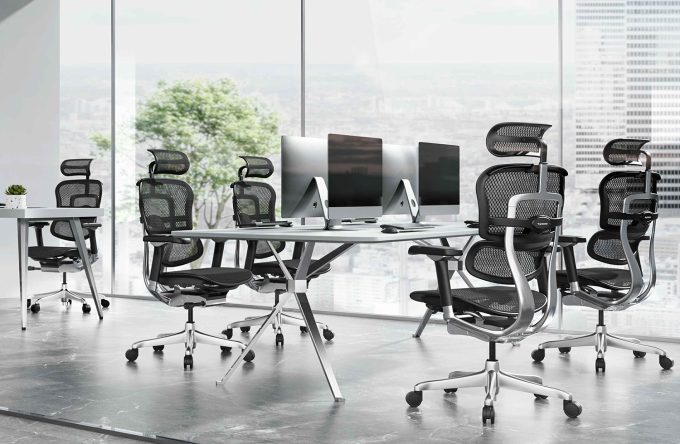
Hot desking works when anyone can sit down at any desk and be comfortable within a minute or two, and the chair decides whether that happens. If you are weighing up office chairs for hot desking Australia wide, the short answer is to prioritise adjustability and simple controls first, then durability, easy maintenance, space and budget. A chair that suits one permanent user can frustrate five different people sharing it across a week. This guide explains what to look for, how to plan your purchase, and which mistakes to avoid.
What Is Hot Desking and Why Does Chair Choice Matter?
Hot desking is a workplace arrangement where employees use shared desks instead of permanently assigned workstations. It is common in hybrid workplaces, coworking spaces and offices where staff split their week between home and the office. On any given day, the person at a desk may not be the person who sat there yesterday.
Choosing for One User vs Many Users
When you buy a chair for one person, you can tailor the setup to that individual and leave it alone. A shared chair is different. It has to accommodate people of different heights, leg lengths and body proportions, and each person will want something slightly different. Imagine a shorter colleague arriving after a taller one. If the chair is awkward to change, she may simply sit with her feet barely reaching the floor for the rest of the day.
Why Easy Adjustment Matters
In a hot desking office, nobody has time to hunt for hidden levers or ask a manager for help. A good shared chair lets people make basic adjustments on their own in under a minute. That is more useful than a chair with impressive features that few people can find or understand.
What Features Should You Look for in Office Chairs for Hot Desking in Australia?
Adjustability is the thread that runs through every feature below. Models differ, so check the specifications of any chair you are considering rather than assuming it offers every adjustment.
Adjustable Seat Height
Seat height lets users of different heights bring their feet flat to the floor and their forearms level with the desk. Without a decent height range, some people end up with dangling feet and others with knees jammed under the desk.
Adjustable Seat Depth
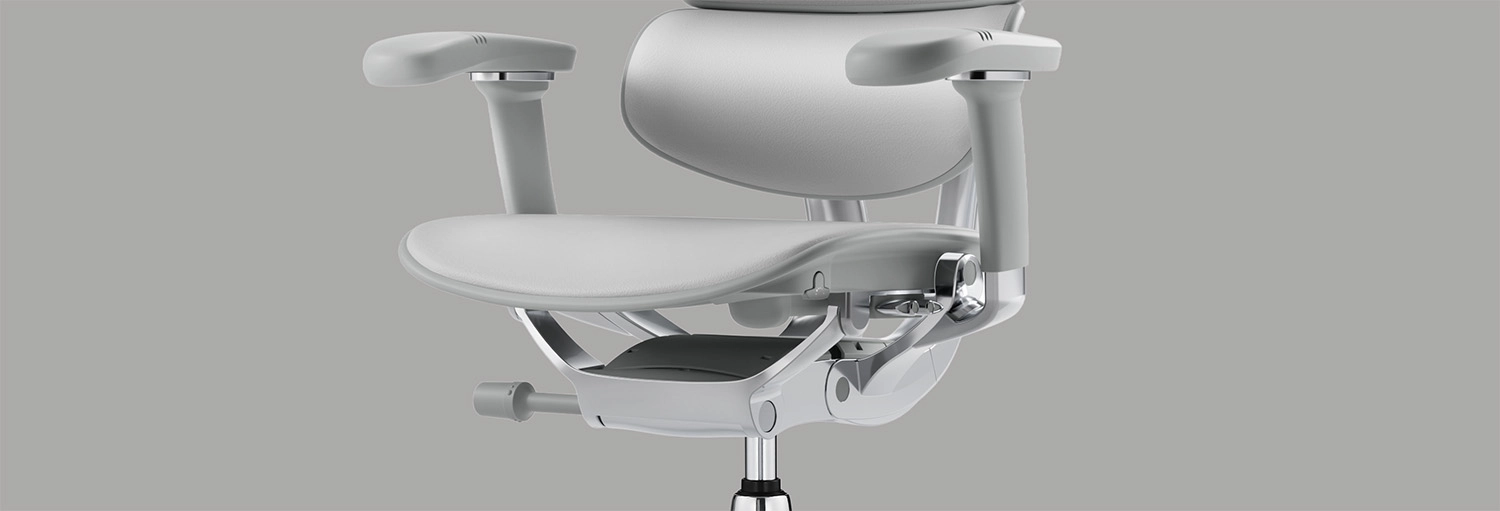
Seat depth affects thigh support. When the seat is too deep, it presses behind the knees. When it is too shallow, it leaves the thighs unsupported. A chair with adjustable seat depth lets people with shorter or longer legs find a comfortable gap between the seat edge and the back of their knees.
Adjustable Lumbar Support and Backrest
The lower back curves differently from person to person. Adjustable lumbar support and backrest settings let each user position the support where it feels right, rather than accepting a fixed shape designed for someone else.
Adjustable Armrests
Armrests that adjust let users match the chair to the desk height, keyboard position and preferred working posture. Armrests that cannot move, or that sit too wide or too high for the person using them, can get in the way and make a chair less comfortable.
Simple Controls and Easy Adjustments
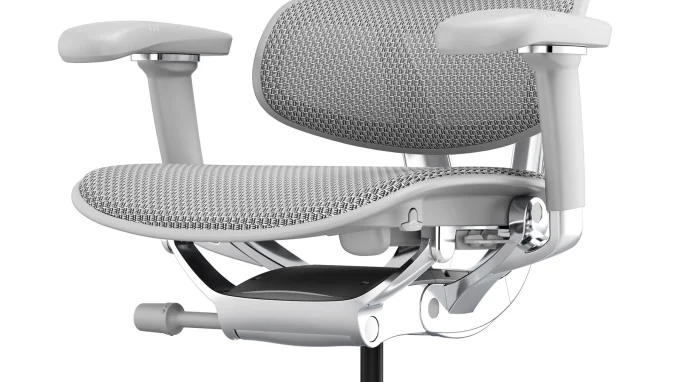
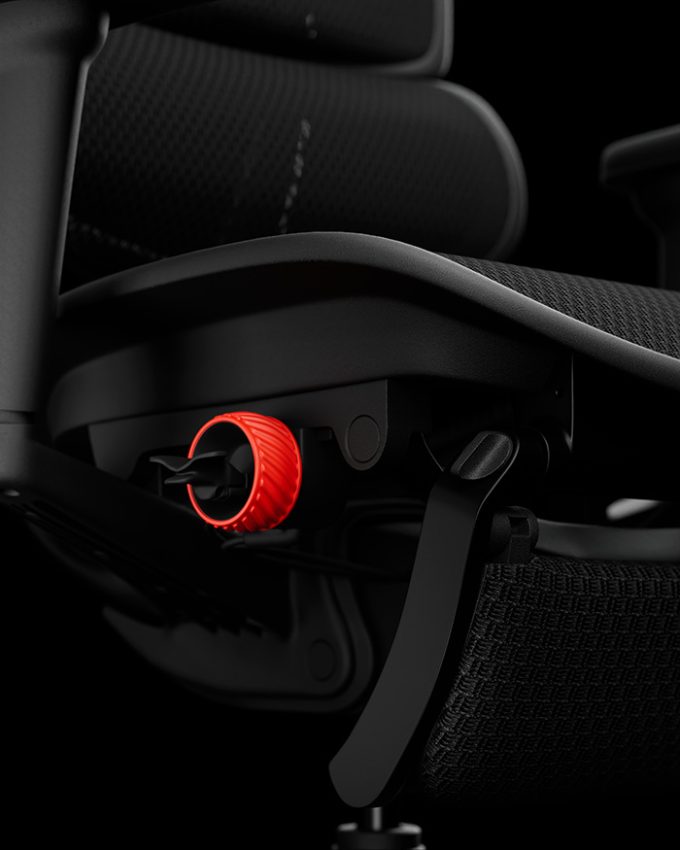
Controls should be easy to see, reach and understand, even for someone using the chair for the first time. It helps to review a manufacturer’s overview of adjustable ergonomic chair features so you know what each control does before you decide which ones matter most to your team. As always, adjustability differs between models, so verify the features of the particular chair you plan to buy.
How to Choose Chairs for Different Users Sharing One Workstation
A single desk can be used by people with very different heights, leg lengths and preferences. That is why adjustability matters more than finding one fixed configuration that suits everyone. No single chair model will fit every person perfectly, but a chair with a good range of adjustments will fit more people more of the time.
Employees should be able to make basic adjustments without specialist help each time they sit down. A few practical habits make this easier. Keep short adjustment instructions where staff can find them, show new starters how the main controls work, and encourage people to take a minute to personalise the chair whenever they change desks. That small routine costs very little and avoids people settling for an uncomfortable setup.
Mesh vs Upholstered Chairs for Shared Australian Workspaces
Airflow and Climate
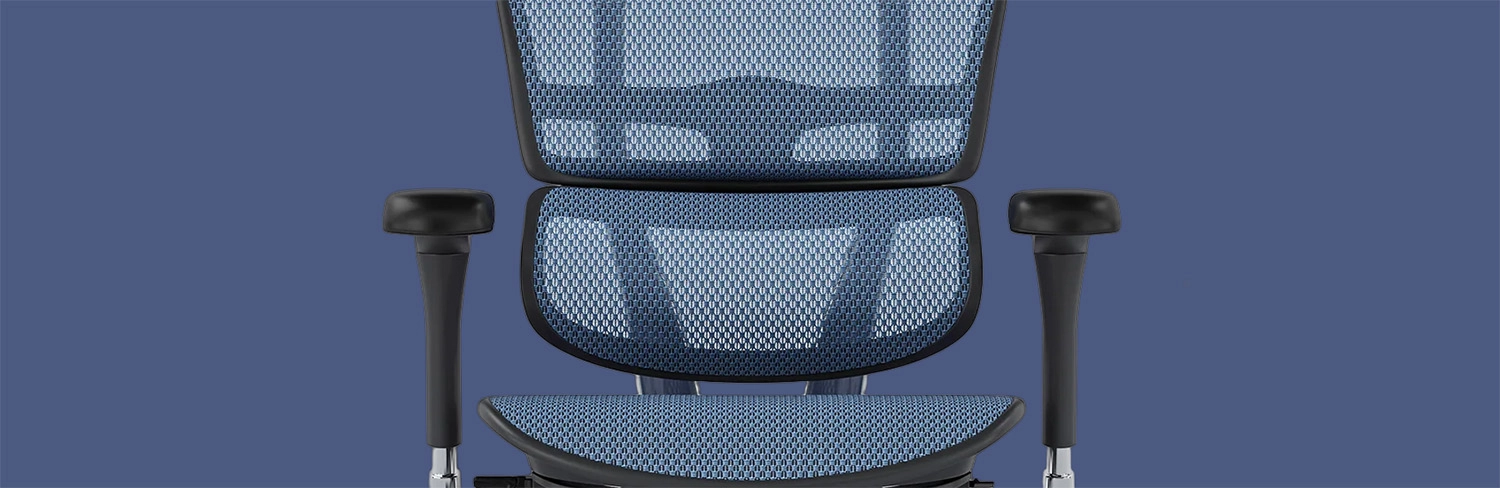
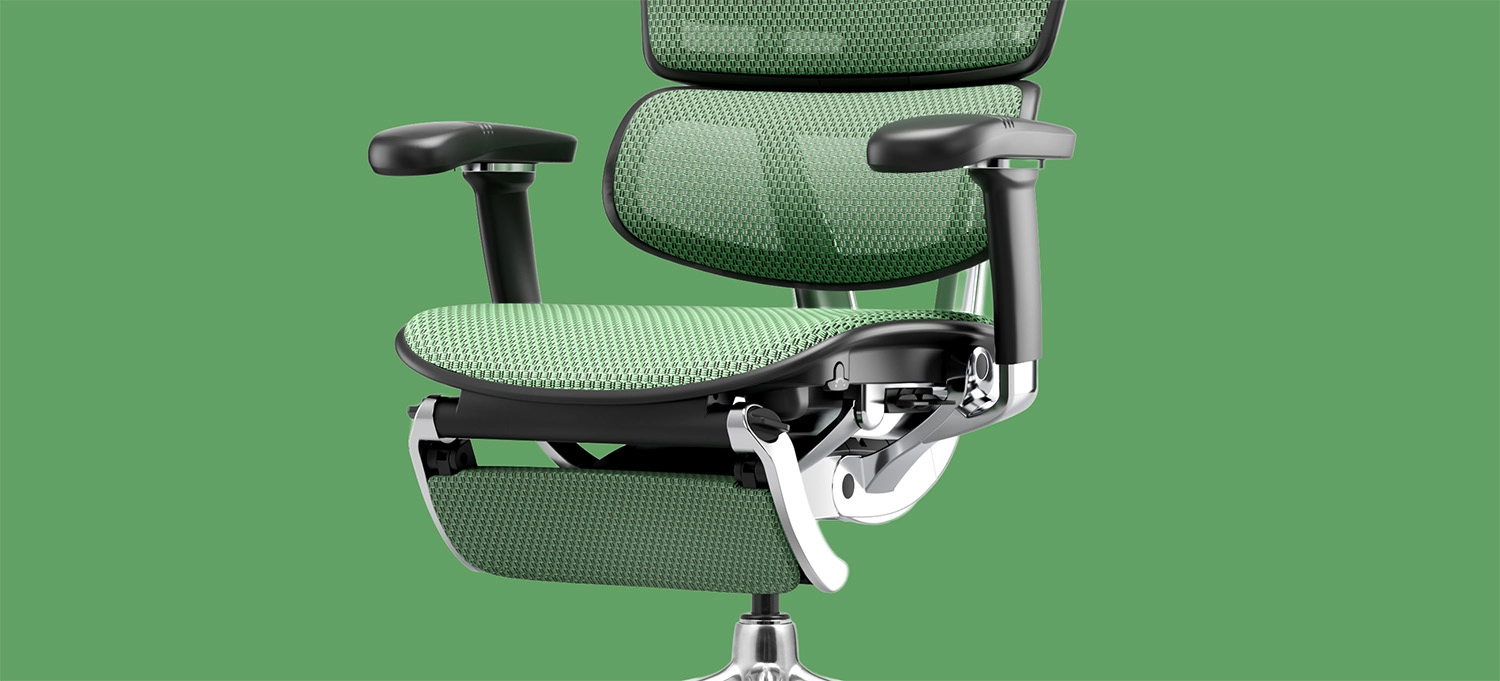
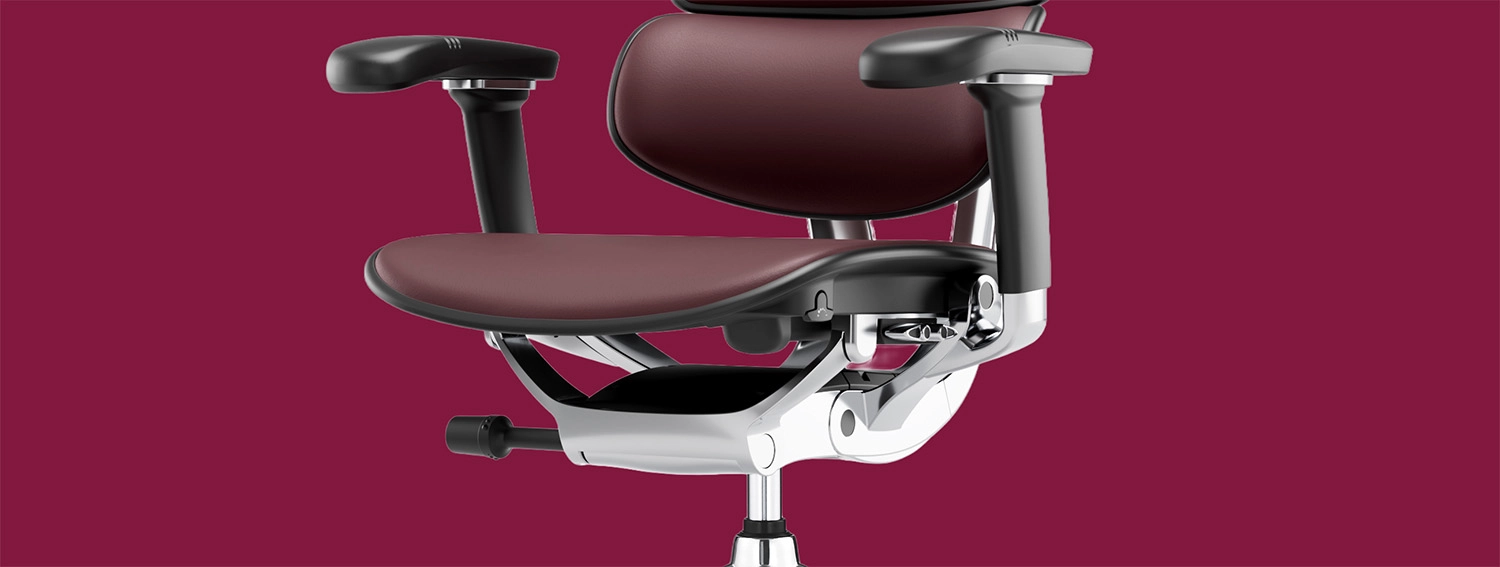
Mesh generally allows more airflow than upholstered seating, which many people appreciate in warmer parts of the country or in offices where air conditioning is patchy. Upholstered chairs can feel more cushioned and suit cooler spaces or users who prefer a softer surface. Neither is better in every situation, so think about where the chairs will be used and how many hours people will sit in them.
Cleaning, Durability and Appearance
When several people use the same chair, cleaning matters more. Check the manufacturer’s cleaning instructions, and ask how easily the material wipes down or can be treated. Think about durability too, because a surface that wears quickly will look tired well before the chair mechanism does. Appearance counts as well. A shared space for clients and staff may call for a different look than a back-office area. Whatever you choose, confirm that the material suits your workplace before ordering in bulk.
Durability, Maintenance and Total Cost of Ownership
Purchase price is only part of the cost of a chair. A cheaper chair that needs replacing sooner, or that cannot be repaired, can cost more in the end than a better-built one. When you compare options, look at build quality, whether components can be replaced, warranty terms, how the adjustment mechanisms are made, and whether replacement parts are available.
Comparing upfront cost means asking what each chair costs today. Assessing total cost of ownership means asking what it will cost to keep the chair in good, usable condition over time. Any specific warranty period or product detail should be confirmed on the relevant official Ergohuman Australia page before you rely on it in a business case.
How to Plan Your Hot Desking Chair Requirements
Assess the Number of Shared Workstations
Start by counting the desks, the people who will use them and the kind of work they do. A team doing long periods of computer work has different needs from one that spends most of its day in meetings. There is no universal ratio of desks to employees, so base your plan on your own workplace.
Check Desk Height, Chair Dimensions and Floor Space
Before you order, check the seat-height range, armrest clearance, chair footprint and how the chair sits at your desks. A guide to office chair dimensions and desk compatibility can help you work out whether a chair will fit your desks and give people room to move.
Set a Budget and Compare Essential Features
Decide which adjustments are essential for your team and which are nice to have. Then compare chairs on how much they will be used, how durable they are, what the warranty covers and what maintenance they need. Setting priorities first stops you from paying for features nobody will use.
Establish Simple Chair Adjustment Guidelines
A short set of instructions helps people set up shared chairs consistently when they move between desks. Keep it brief, and keep it accurate for the chair you buy. The Ergohuman chair assembly and adjustment instructions can help people understand the controls on their specific chair, rather than guessing.
Are Ergonomic Chairs Worth Considering for Hot Desking?
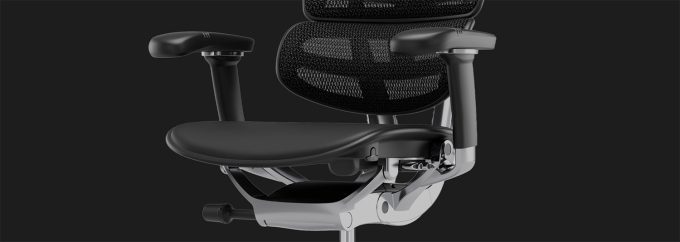
For shared desks, adjustability is the main reason to look at ergonomic chairs. Features such as adjustable seat height, seat depth, back support, armrests and recline controls help one chair work for several people, instead of suiting only the person it was set up for.
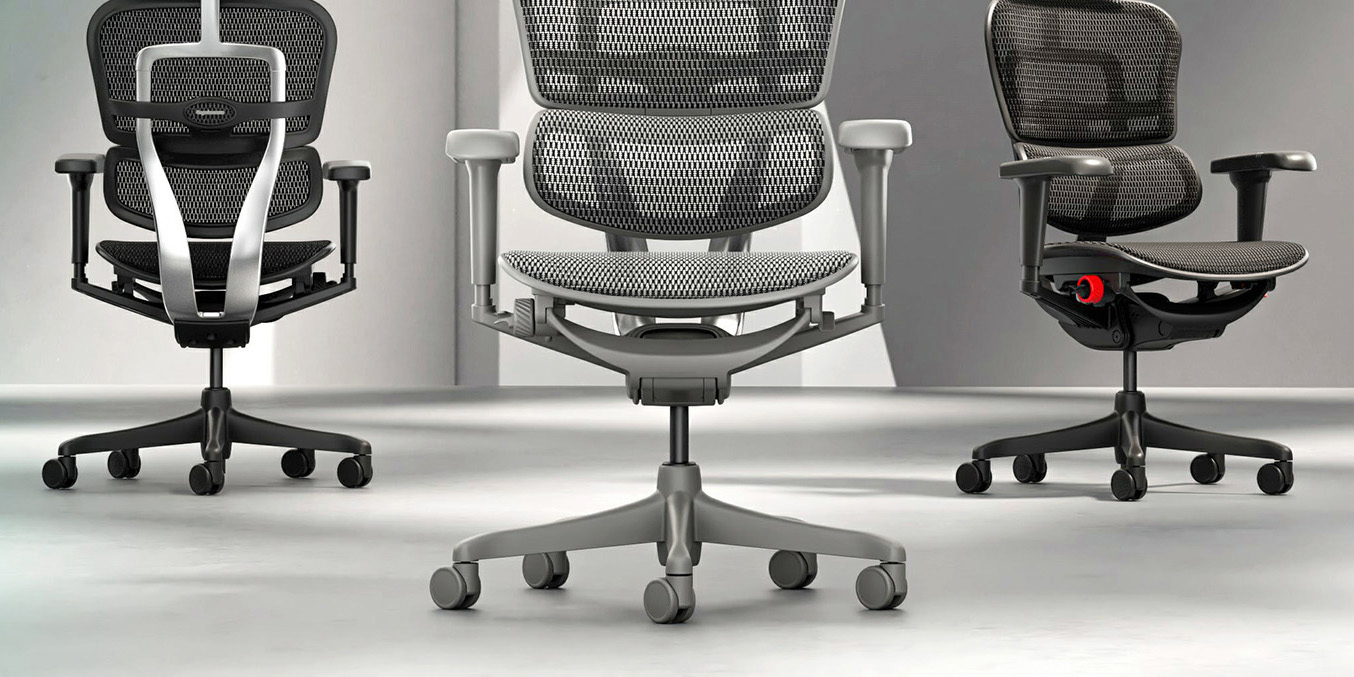
Ergohuman Australia offers adjustable ergonomic seating, and its range includes models designed for different uses. As one example, Ergohuman office chairs for Australian workplaces describe the Ergohuman 2 Project, which is built for multi-user environments such as hot-desking setups, coworking spaces and large office fit-outs, and offers tool-free adjustment so it can be personalised quickly across different users. Features vary between models, so always check the specifications of the chair you are considering.
Common Mistakes to Avoid When Buying Hot Desking Chairs
Most buying mistakes come from rushing or from focusing on a single factor. These are the ones to watch for:
- Choosing on looks or price alone. Compare adjustability, durability and maintenance as well.
- Assuming one setting suits everyone. Pick a chair that people can adapt to themselves.
- Overlooking seat depth and armrest adjustment. These are often the features that make a shared chair work for people with different proportions.
- Ignoring desk dimensions and floor space. Check the chair against the desks and the room before ordering.
- Forgetting cleaning and maintenance. A shared chair needs a material and finish that suits regular use.
- Buying in bulk without checking the specifications. Confirm the exact model’s features first.
- Not telling staff how to adjust the chairs. A short guide makes the adjustability useful.
Avoiding these problems mostly comes down to planning. Work out your requirements, check the model’s details, and make sure people know how to use what you buy.
Conclusion — Choosing the Right Office Chairs for Hot Desking
The most important factors are adjustability, user fit, ease of adjustment, durability, maintenance and budget. Take time to understand your staff and your workspace before you choose, because a chair that works well for the people actually using it will serve you better than one chosen quickly. If you would like to talk through your options, our team is happy to help.
Need Help Choosing Office Chairs for Your Workplace?
If you are planning a shared workspace or an office fit-out, you can contact the Ergohuman Australia team to discuss suitable seating options. We can help you understand the adjustments on different models and what to consider for your workplace.


Commercial Office Chairs in Australia: A Complete Buying Guide for Businesses
Choosing commercial office chairs in Australia is about more than picking something...
ErgoHuman Staff29 October 2026
Task Chair vs Ergonomic Office Chair: Which Is Better for Your Workspace?
Is a task chair different from an ergonomic office chair, and which...
ErgoHuman Staff29 October 2026

Office Chair Tilt Mechanisms Explained: Tilt Lock, Recline and Synchro-Tilt
The office chair tilt mechanism is the hidden part of your chair...
ErgoHuman Staff26 October 2026
How to Adjust Office Chair Seat Depth for Better Comfort and Thigh Support
Sitting down at your desk and feeling the front edge of the...
ErgoHuman Staff26 October 2026




Leave a comment