


Task Chair vs Ergonomic Office Chair: Which Is Better for Your Workspace?
 ErgoHuman Staff29 October 20266 Mins read
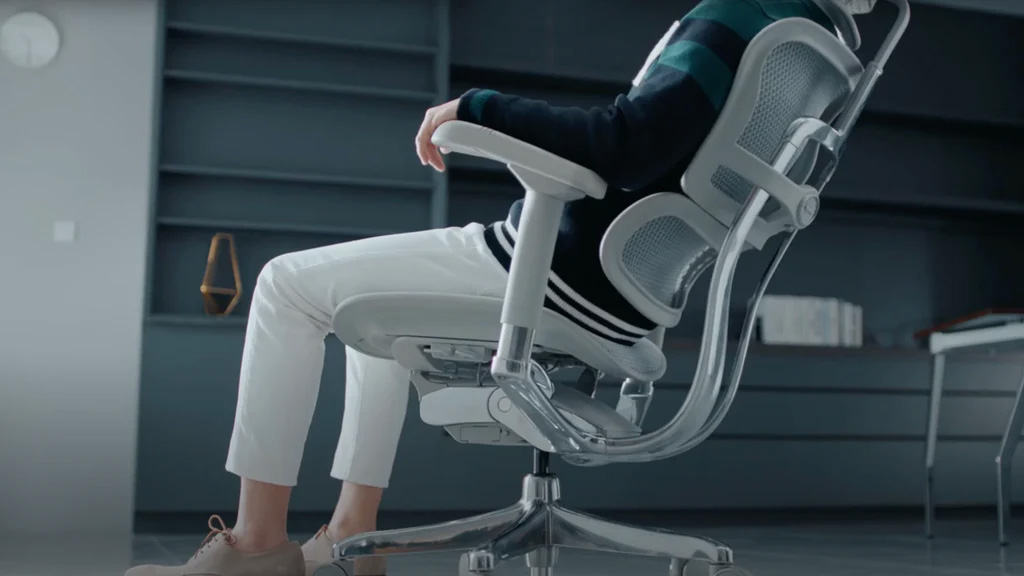
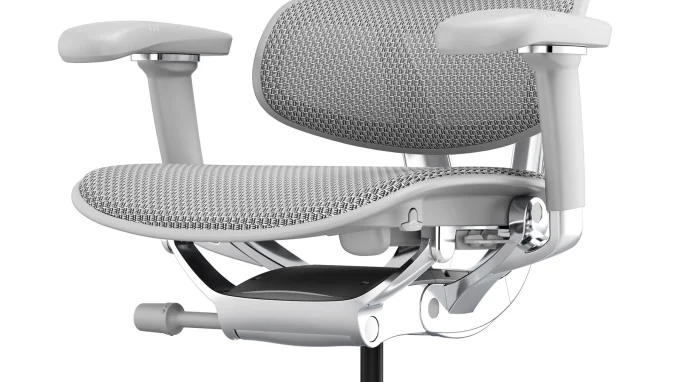
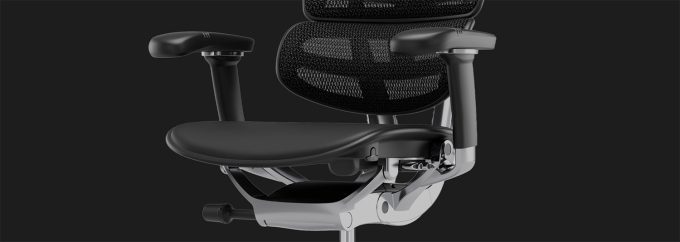
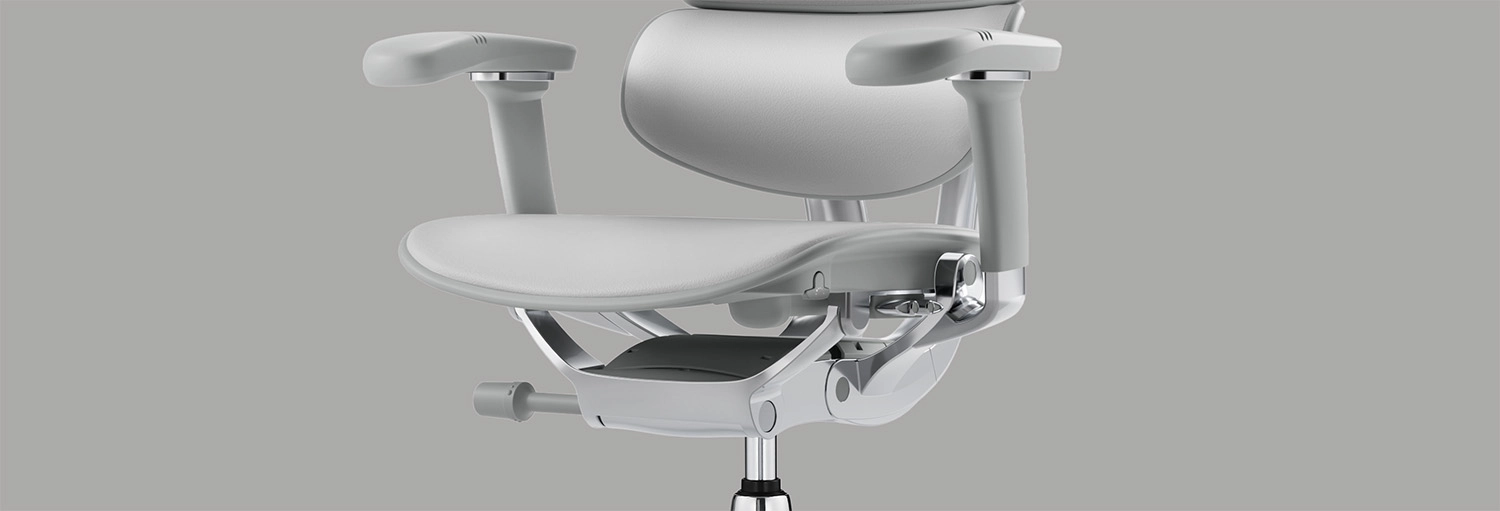
Is a task chair different from an ergonomic office chair, and which one should you buy? The task chair vs ergonomic chair question is really about two different things. “Task chair” describes what a chair is used for, which is working at a desk. “Ergonomic” describes how a chair is designed and how well it can be adjusted to the person sitting in it. That means the two are not opposites, and a task chair can also be ergonomic. What matters is the actual feature list, along with how long you sit, how much adjustment you need, your workspace and your budget. A chair such as the Ergohuman 2 Ultra ergonomic office chair is one example of how far adjustability can go, and the sections below show how to judge any chair on its merits.
What Is a Task Chair?
A task chair is a chair designed for working at a desk or computer. You will find them in home offices, call centres, classrooms and commercial workplaces, because they are practical, compact and easy to move around a workstation.
Common Features of a Task Chair
Typical task chair features include a swivel base, castors, seat-height adjustment and a supportive backrest. Many are compact so they fit under a desk. Features vary a great deal between models, though. Some task chairs are simple, while others offer a long list of adjustments, so it would be wrong to assume that every task chair is basic or unsuitable for long hours.
When Is a Task Chair a Suitable Choice?
A straightforward task chair can work well for occasional desk use, a flexible work area, or a workstation where people do not need extensive individual adjustments. A spare-room desk used for an hour of admin each evening is a good example. Suitability depends on the chair’s actual features and how you will use it, not on its label.
What Is an Ergonomic Office Chair?
An ergonomic office chair aims to let you adjust the seat to your body proportions, your workstation and the way you work. The more of the chair you can adapt, the better the chance of finding a position that feels comfortable. For a closer look at what these controls do, see these ergonomic office chair adjustment features. Just remember that a chair is not automatically ergonomic because the manufacturer uses the word.
Adjustable Seat Height and Seat Depth
Seat height lets you rest your feet flat and bring your forearms level with the desk. Seat depth lets people with shorter or longer legs find comfortable thigh support without the seat edge pressing behind the knees. Together they help different users find a suitable seated position.
Lumbar Support and Backrest Adjustment
Your lower back has its own curve, and the right support sits in a slightly different place for each person. Being able to adjust the backrest lets you position that support where it feels right. The Ergohuman 2 Ultra’s adjustable lumbar support is a good illustration, since its page lists adjustable lumbar pressure and backrest-height adjustment.
Adjustable Armrests and Recline
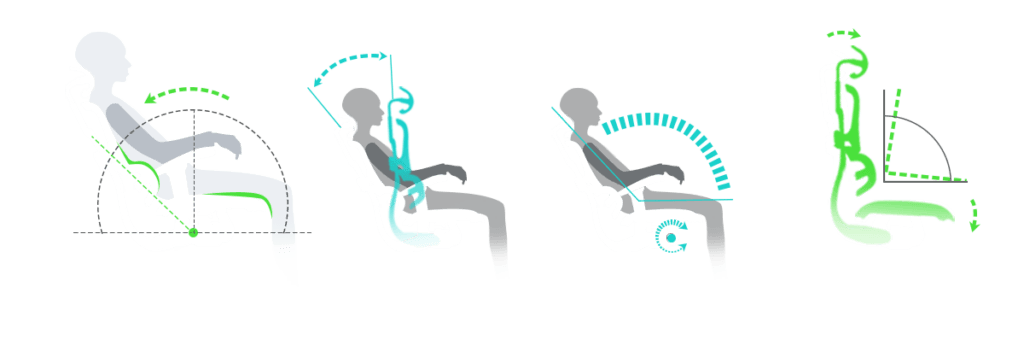
Armrests that adjust let you match the chair to your desk height and keyboard position. Controlled recline lets you lean back for reading or a phone call, then return to an upright position for focused work. Neither is a cure for anything, but both help you adapt the chair to different tasks.
Task Chair vs Ergonomic Office Chair: What Are the Main Differences?
The table below compares the two as general concepts. Task chairs vary widely, and many offer ergonomic features, so treat it as a guide rather than a rule. Not every chair marketed as ergonomic provides the same range of adjustments either.
| Factor | Typical task chair | Typical ergonomic office chair |
|---|---|---|
| Primary purpose | General desk and computer work | Fitting the chair to the individual user |
| Level of adjustability | Varies from basic to extensive | Usually broader |
| Seat height and depth | Seat height is common, seat depth less so | Often both |
| Backrest and lumbar support | Fixed or simple backrest | Adjustable back and lumbar support |
| Armrest adjustment | Fixed, basic or none | Often multi-way adjustable |
| Recline controls | Simple tilt or none | Controlled recline, often with tension or locking |
| Suitability for different users | Best where users are similar or needs are modest | Suits a wider range of body types |
| Typical use cases | Occasional use, flexible spaces | Long hours, dedicated workstations |
| Purchase considerations | Check the features, whatever the label | Check the specifications, warranty and fit |
Seat adjustment is a good example of the overlap. A task chair may offer only seat height, while a chair like the Ergohuman 2 Ultra with adjustable seat depth adds a seat slide as well. The label does not decide this. The feature list does.
Which Chair Is Better for Long Hours at a Desk?
If you sit for a good part of the day, prioritise adjustability and fit. Look at seat depth, lumbar support, seat height, armrest positioning and recline options, and ask whether you can change position easily as the day goes on. Office chairs for long hours are not defined by a category name. They are defined by how well the chair lets you sit comfortably and shift your posture.
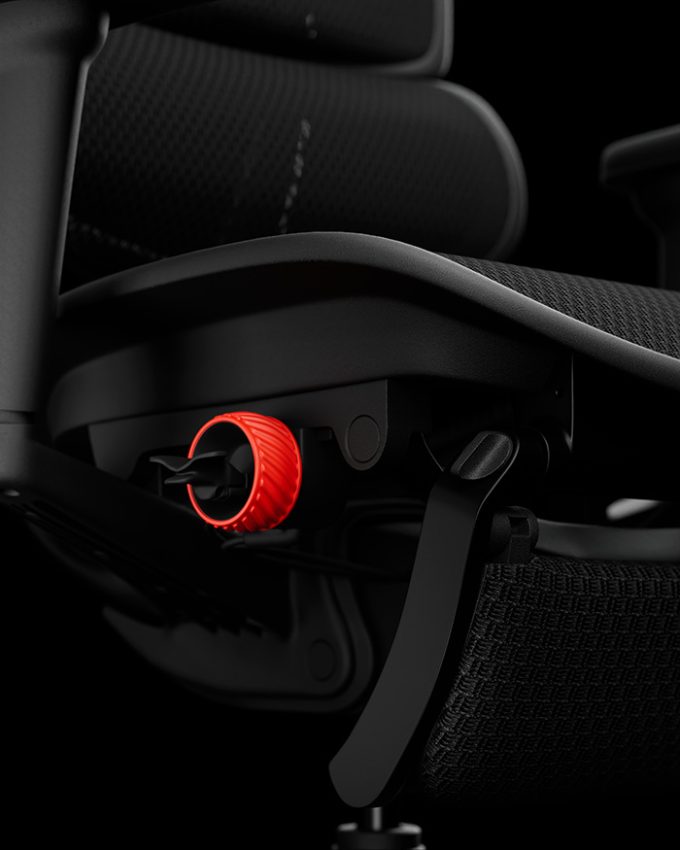
Recline is a good example. A chair with a synchro-tilt mechanism and adjustable tension gives you a choice between settling into a steady position and leaning back to rest. The Ergohuman 2 Ultra’s synchro-tilt and recline features include recline-tension adjustment and a lockable recline. No chair prevents or cures medical conditions, so if you have ongoing discomfort, speak with a health professional as well.
What Should Australian Buyers Look for When Choosing an Office Chair?
The right chair depends on your body, your desk and your budget. For a deeper look at individual features, the ergonomic office chair buying guide is a useful companion. Here are the practical points for Australian homes and workplaces.
Fit Your Chair to Your Body
Think about your height, leg length, back support needs and preferred seating position. Someone with shorter legs may need a shallower seat, while a taller person may want more thigh support. A chair that fits one person well may not suit another.
Check Your Desk and Workspace Dimensions
Measure your desk height, the clearance under it for armrests, the space available and the chair’s footprint, and leave room to move. This guide to office chair dimensions and desk compatibility explains how to check whether a chair will fit.
Once you have your measurements, compare them with the published Ergohuman 2 Ultra office chair specifications or those of any chair you are considering, rather than relying on the product photo.
Consider Materials and the Australian Climate
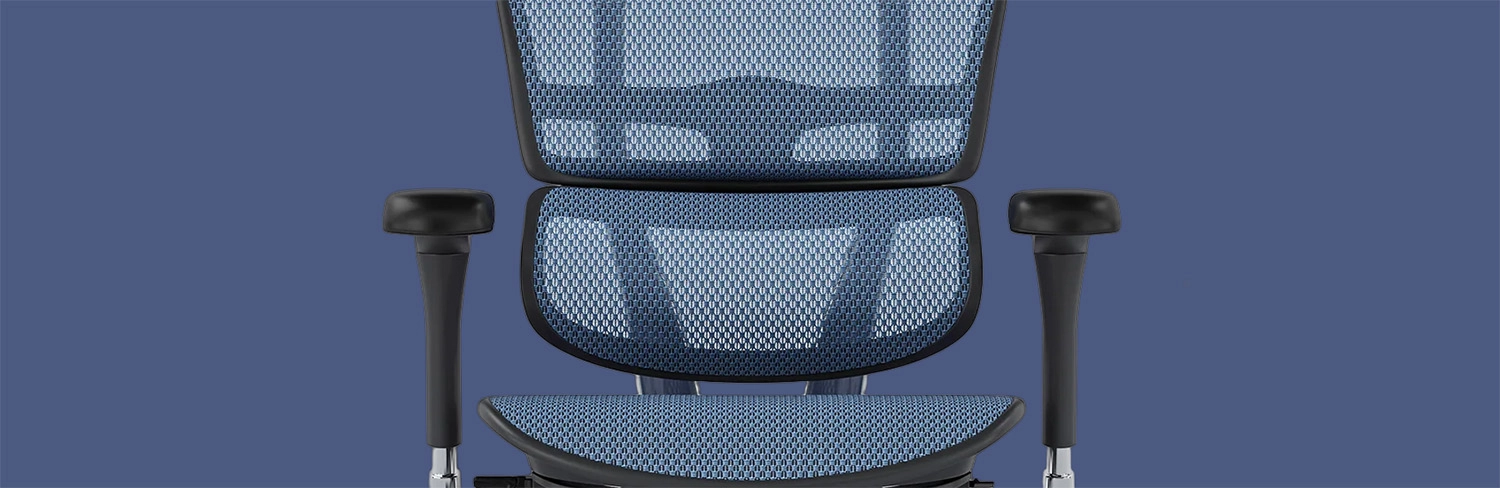
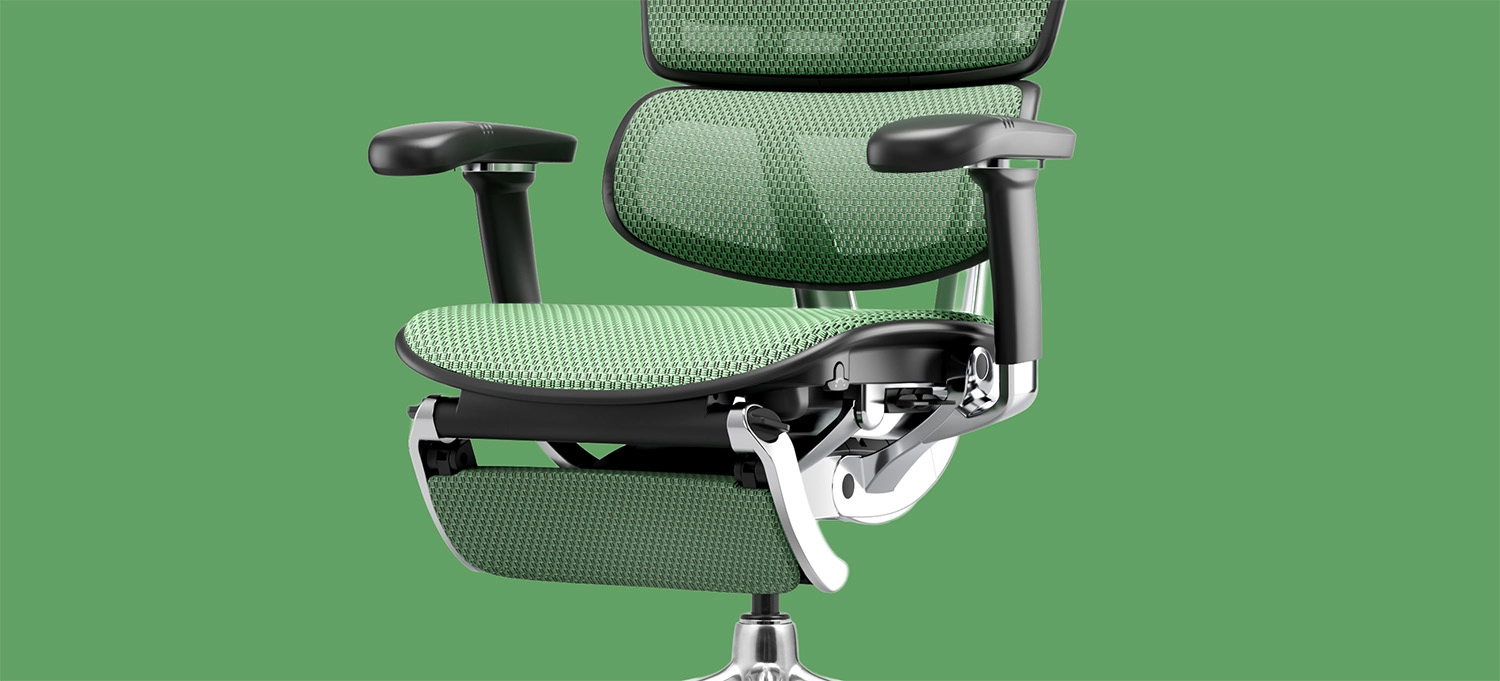
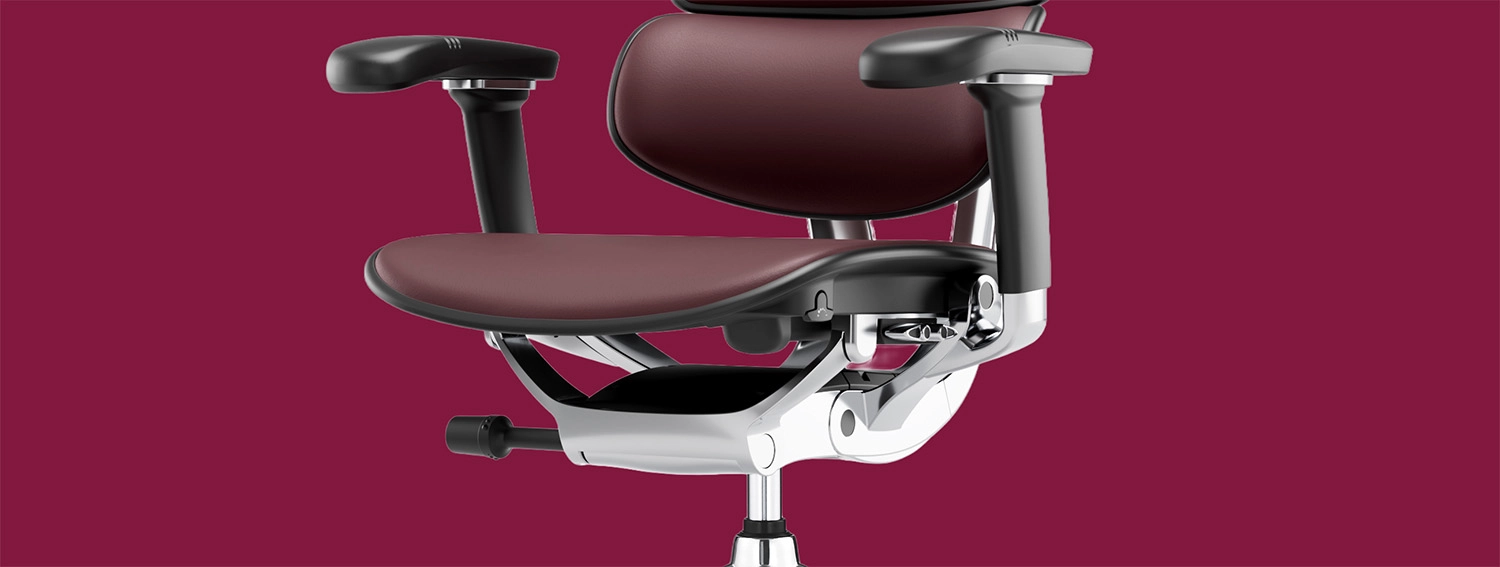
Mesh generally allows more airflow, which many people appreciate in warmer weather, while upholstered seats feel softer and suit some users and spaces better. Cleaning and maintenance differ too. Neither is best for every office or every climate, so choose based on how and where you will use the chair.
Consider Durability, Warranty and Value
The purchase price is only one part of the decision. Check the specifications, the warranty terms, the maintenance needs and whether replacement components are available. Read the conditions carefully, since warranty terms can depend on how much a chair is used.
Is the Ergohuman 2 Ultra an Option Worth Considering?
The Ergohuman 2 Ultra is an example of an adjustable ergonomic office chair available through Ergohuman Australia. According to its official page, the listed features include seat-height adjustment, seat-slide adjustment, adjustable lumbar pressure, backrest-height adjustment, a synchro-tilt mechanism, forward tilt, free-float recline, recline-tension adjustment, a lockable recline and 4D adjustable armrests. The page also lists mesh and fabric seat options.
For someone who wants to personalise a seating position, those adjustments may be relevant. A person with long legs might use the seat slide, while someone who alternates between focused work and reading might make use of the recline settings. It will not be the right choice for everyone, so consider your workspace, budget, body proportions and the features that matter most to you.
Common Mistakes to Avoid When Choosing an Office Chair
A few errors come up repeatedly. These are worth checking before you buy:
- Choosing a chair on appearance alone.
- Assuming every task chair is non-ergonomic.
- Assuming every chair labelled ergonomic has enough adjustment options.
- Ignoring seat depth and back support.
- Failing to check desk compatibility.
- Overlooking how easy the adjustment controls are to use.
- Comparing prices without checking the features and the warranty.
You can avoid most of these by writing down the adjustments you need, measuring your desk and reading the full specifications before you decide.
Final Verdict — Task Chair or Ergonomic Office Chair?
The central point is that task chairs and ergonomic chairs are not separate categories. A task chair can offer ergonomic design and adjustments, and a chair labelled ergonomic should still be judged on what it can actually do. The right choice depends on how you use it, how long you sit, how adjustable you need it to be, how well it fits you and what your workspace allows.
If you want a chair with multiple adjustment features, you can explore the Ergohuman 2 Ultra alongside any other options on your shortlist and compare it against your own needs.
Need Help Choosing the Right Office Chair?
If you are unsure which seating option suits your workspace, you can contact the Ergohuman Australia team. We can help you understand the adjustments on different models and what to look for in your own setup.

Commercial Office Chairs in Australia: A Complete Buying Guide for Businesses
Choosing commercial office chairs in Australia is about more than picking something...
ErgoHuman Staff29 October 2026
Office Chairs for Hot Desking Australia: Buyer’s Guide
Hot desking works when anyone can sit down at any desk and...
ErgoHuman Staff29 October 2026
Office Chair Tilt Mechanisms Explained: Tilt Lock, Recline and Synchro-Tilt
The office chair tilt mechanism is the hidden part of your chair...
ErgoHuman Staff26 October 2026
How to Adjust Office Chair Seat Depth for Better Comfort and Thigh Support
Sitting down at your desk and feeling the front edge of the...
ErgoHuman Staff26 October 2026




Leave a comment