

Office Chair With Headrest vs No Headrest: Which Is Better for You?
 ErgoHuman Staff8 August 20268 Mins read
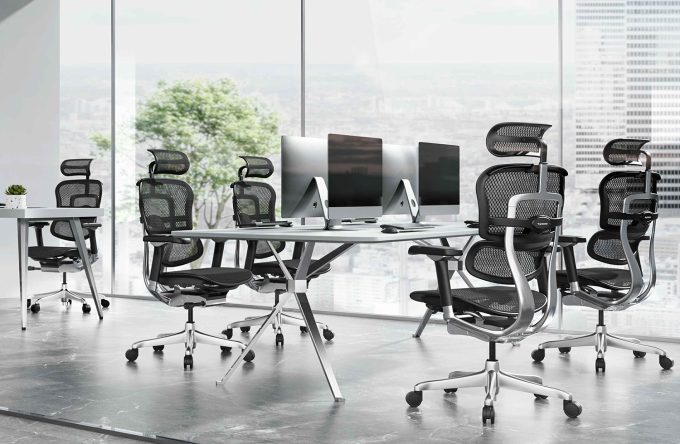
Choosing an office chair with headrest vs no headrest can seem like a small decision, but it can significantly change how a chair feels throughout the working day. Some people appreciate having additional head and neck support when reclining, while others prefer the freedom and cleaner profile of a chair without a headrest when sitting actively upright. At Ergohuman Australia, both configurations are available, allowing users to choose an ergonomic chair based on how they actually work rather than assuming that one setup is automatically better for everyone.
The right choice depends on your working position, how often you recline, the type of tasks you perform and your personal comfort preferences. Someone who spends much of the day actively typing may have very different requirements from a person who frequently reclines while reading, reviewing documents, thinking or attending long video meetings.
This guide explains the ergonomic chair headrest benefits, possible disadvantages and correct setup considerations so you can decide which configuration makes the most sense for your workspace.
Office Chair With Headrest vs No Headrest: What Is the Main Difference?
The biggest difference between an office chair with headrest vs no headrest is when additional support becomes useful.
A headrest is generally most noticeable when you lean back. In a reclined position, an appropriately adjusted headrest can provide a contact point behind the head or upper neck area, allowing you to relax into the chair more comfortably.
When you are sitting upright and actively typing, however, your head will often remain naturally positioned above your shoulders without needing continuous contact with a headrest.
This means a headrest should not necessarily be viewed as something that must support your head every second you are sitting. Its value often becomes more apparent when moving between active work and relaxed or reclined positions.
A no-headrest chair removes this additional component entirely. For users who spend most of their day upright, frequently move forward towards their desk or simply prefer an unrestricted seating position, that simplicity can be attractive.
Neither configuration is universally better. The best option depends on how the chair will be used.
What Are the Ergonomic Chair Headrest Benefits?
One of the main ergonomic chair headrest benefits is additional support when transitioning away from an upright working position.
Modern ergonomic work does not necessarily involve sitting rigidly in one position throughout the entire day. People commonly move between typing, reading, participating in meetings, speaking on calls and taking short periods to lean back from the screen.
During these reclined periods, a well-positioned headrest can make the chair feel more supportive because the head does not have to remain unsupported as the upper body moves backwards.
This can be particularly appealing during longer periods of reading or thinking when you are not actively interacting with a keyboard or mouse.
A headrest may also make a premium ergonomic chair feel more complete to users who enjoy reclining during breaks or between concentrated work sessions.
The important factor is adjustment. A poorly positioned headrest can become distracting rather than supportive, which is why the ability to position it appropriately for the individual user matters.
When Is an Office Chair With a Headrest Better?
An office chair with a headrest tends to make the most sense for users who regularly take advantage of their chair’s recline function.
Imagine spending several hours preparing a report. During active writing, you may sit more upright while using the keyboard. When reviewing what you have written, you might lean backwards and read from the screen. During a meeting, you may recline again because you are listening rather than typing continuously.
In these situations, the headrest becomes more relevant.

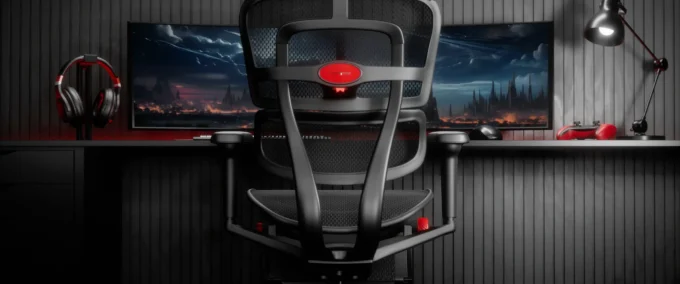
The Ergohuman 2 Elite Fabric Mesh Combo II includes an independently adjustable headrest alongside its broader ergonomic adjustment system. This gives users the ability to configure the headrest as part of their individual seating setup.
For professionals who alternate frequently between concentrated desk work and reclined activities, a headrest model can therefore provide greater flexibility.
When Might a No-Headrest Office Chair Be Better?
A no-headrest chair can be an excellent choice for users whose working style is predominantly active and upright.
Someone entering data, coding, designing, writing or performing other keyboard-intensive work may spend much of the day facing the monitor with the torso positioned relatively upright. In that type of working position, the head usually remains balanced naturally rather than resting backwards.
Some users also simply dislike feeling anything behind their head. They prefer the freedom to move the neck and upper body without an additional component behind them.

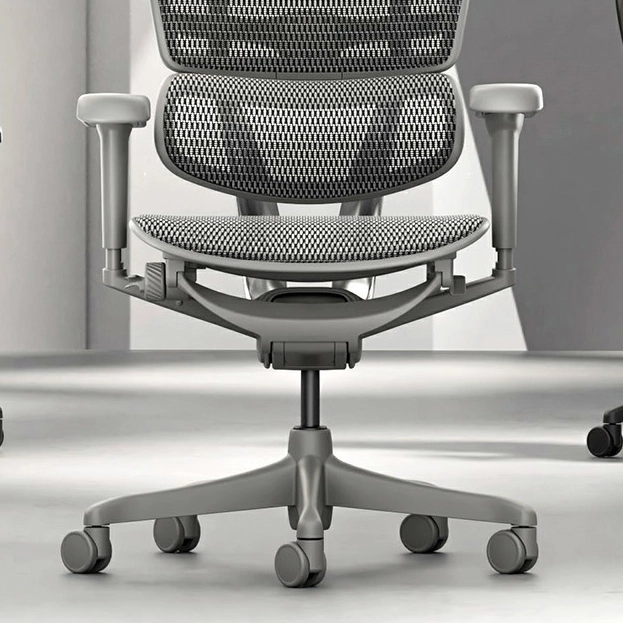
The Ergohuman 2 Elite Mesh II No Headrest provides the core ergonomic chair configuration without adding a headrest. This makes it particularly relevant for buyers who value the Elite platform but know that they are unlikely to use head support.
The visual profile can also matter. A chair without a headrest is slightly less visually dominant, which may suit smaller home offices or workspaces where the user prefers a simpler appearance.
Headrests for Active Upright Typing
Active typing is one of the most important situations to consider when comparing an office chair with headrest vs no headrest
When working actively at a keyboard, the goal should not be to force your head backwards against the headrest. Instead, your monitor, chair and desk should allow you to work comfortably with your head positioned naturally above your torso.
If you deliberately push your head backwards merely to maintain contact with a headrest while typing, the headrest may actually become a distraction.
This is why buyers should not assume that more contact automatically means better ergonomics.
A well-designed headrest should complement your movement rather than dictate it. During upright work, you may barely interact with it. When reclining, it can then become much more useful.
For people who rarely recline at all, this raises an obvious question: if the headrest will hardly ever be used, is it necessary?
For many users, the answer may be no.
Headrests for Reclining, Reading and Deep Focus
The situation changes considerably when you lean back.
Reclining is one reason many people choose advanced ergonomic office chairs rather than basic fixed-back task chairs. Changing position throughout the day can make the working experience feel less static and allows the chair to accommodate different activities.
When reclining to read a long document, watch training material, participate in a meeting or think through a complicated problem, the head naturally moves further backwards with the rest of the body.
This is where a headrest can provide its greatest practical value.
Instead of keeping the head unsupported while the torso is reclined, users can adjust the headrest to create a comfortable contact point.
The Ergohuman 2 Elite with headrest is particularly relevant for this type of working style because the chair combines an independently adjustable headrest with its reclining functions.
Users who regularly move between active concentration and relaxed review periods may therefore find the headrest configuration more versatile.
Can an Office Chair Headrest Help With Neck Pain?
People frequently search for office chair headrests because they already experience neck discomfort, but this subject needs to be approached carefully.
A headrest should not be considered a treatment for neck pain or any medical condition. Persistent or significant neck pain should be assessed by an appropriate healthcare professional.
From an ergonomic perspective, however, a properly positioned headrest can provide additional support when a user reclines. This may help some people find a more comfortable resting position during parts of their working day.
It is equally important to consider the rest of the workstation.
Monitor height, viewing distance, desk position, keyboard placement, chair height and sitting habits can all influence how you position your neck and upper body.
Buying an ergonomic chair with a headrest while continuing to use a monitor positioned far too low, for example, does not automatically create an ideal workstation.
The chair should be considered one part of the complete setup.
Ergohuman Headrest Adjustment: How Should You Set It Up?
Correct Ergohuman headrest adjustment begins with setting up the main chair first.
Before concentrating on the headrest, establish a comfortable seat height and position. Your lumbar support, backrest, armrests and seat depth should work together to create a comfortable primary sitting position.
Only after the main chair feels appropriately adjusted should you fine-tune the headrest.
When reclining, the headrest should provide comfortable support without aggressively pushing your head forward. You should be able to rest against it naturally rather than feeling as though it is forcing your neck into an unnatural angle.
The Ergohuman 2 Elite Fabric Mesh Combo II provides independent headrest adjustment, allowing this area to be configured separately from the main backrest.
Because body proportions differ considerably between users, there is no single universal position that will suit everyone. Spend time adjusting the chair and testing both upright and reclined positions rather than assuming the factory or initial setup will automatically be ideal.
Should Your Head Touch the Headrest While Typing?
Not necessarily.
This is one of the most common misconceptions surrounding an office chair with headrest vs no headrest.
A headrest does not need to remain in constant contact with your head to be useful. During active upright typing, many users naturally sit forward enough that their head does not touch the headrest at all.
That is perfectly reasonable.
As you recline, contact with the headrest can increase and provide the support it was intended to offer.
Thinking of the headrest as support for selected positions rather than a device that must continuously hold your head makes choosing and adjusting an ergonomic chair much easier.
Does a Headrest Improve Posture?
A headrest alone does not create good posture.
Ergonomic seating is a combination of multiple adjustments and working habits. Seat height, seat depth, lumbar support, backrest position, armrest height, recline and desk setup all matter.
The presence of a headrest does not compensate for an incorrectly adjusted chair.
Likewise, choosing a no-headrest chair does not mean sacrificing ergonomics. The Ergohuman 2 Elite Mesh II No Headrest retains extensive adjustment throughout the core chair while simply removing the headrest component.
This is why shoppers should focus less on whether a chair looks more ergonomic with a headrest and more on whether the selected configuration matches how they work.
Headrest vs No Headrest for a Home Office
For home-office buyers, working style should be one of the main deciding factors.
If your home workstation is used predominantly for writing, spreadsheets, development, design or other active computer tasks, you may find that a no-headrest chair provides everything you require.
If your working day includes long calls, video conferences, reading, research and periods of reclining, the headrest model may provide additional comfort during those less active moments.
Space can also influence the decision.
A chair without a headrest has a more compact visual profile, while a headrest model creates the appearance of a taller, more substantial executive ergonomic chair.
Both can work well in a home office. The decision is primarily about personal preference and working behaviour.
Headrest vs No Headrest for Long Working Days
People who spend most of the working day in their chair should think carefully about movement.
Long working days rarely involve one continuous task. You may begin by responding to emails, move into focused project work, join a meeting, review documents, take calls and then return to intensive typing.
A chair that adapts between these tasks can make the workstation more versatile.
For someone who frequently reclines during these transitions, a headrest can be valuable. For someone who remains active and upright almost all day, it may add relatively little.
This is why there is no universal winner in the office chair with headrest vs no headrest comparison.
The better chair is the one that suits the way you personally use it.
Office Chair With Headrest vs No Headrest: Which Should You Buy?
If you regularly recline, read from your screen, attend long online meetings or simply enjoy relaxing backwards between periods of focused work, an office chair with an adjustable headrest is likely to be the more appropriate choice. The Ergohuman 2 Elite Fabric Mesh Combo II provides the headrest configuration while maintaining the broader ergonomic adjustment expected from the Elite range.
If you primarily perform active upright computer work, rarely use a headrest or simply prefer having unrestricted space around your head and neck, the Ergohuman 2 Elite Mesh II No Headrest may be the better fit.
Ultimately, choosing an office chair with headrest vs no headrest should not be based on the assumption that one configuration is inherently more ergonomic. Your task type, reclining habits, workspace and personal preferences matter more.
A good ergonomic chair should adapt to you. Choosing the right Ergohuman configuration simply ensures that you are paying for the features that genuinely match the way you work.
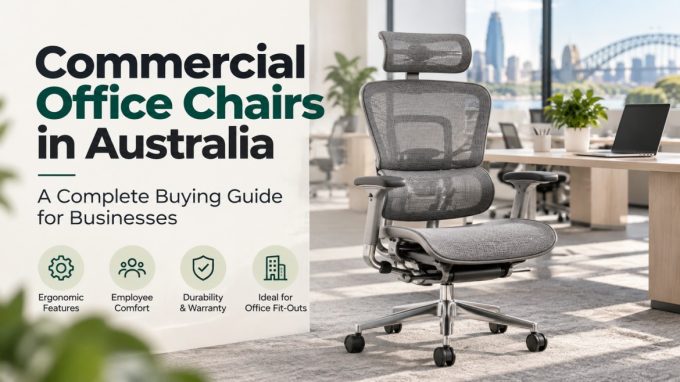
Commercial Office Chairs in Australia: A Complete Buying Guide for Businesses
Choosing commercial office chairs in Australia is about more than picking something...
ErgoHuman Staff29 October 2026
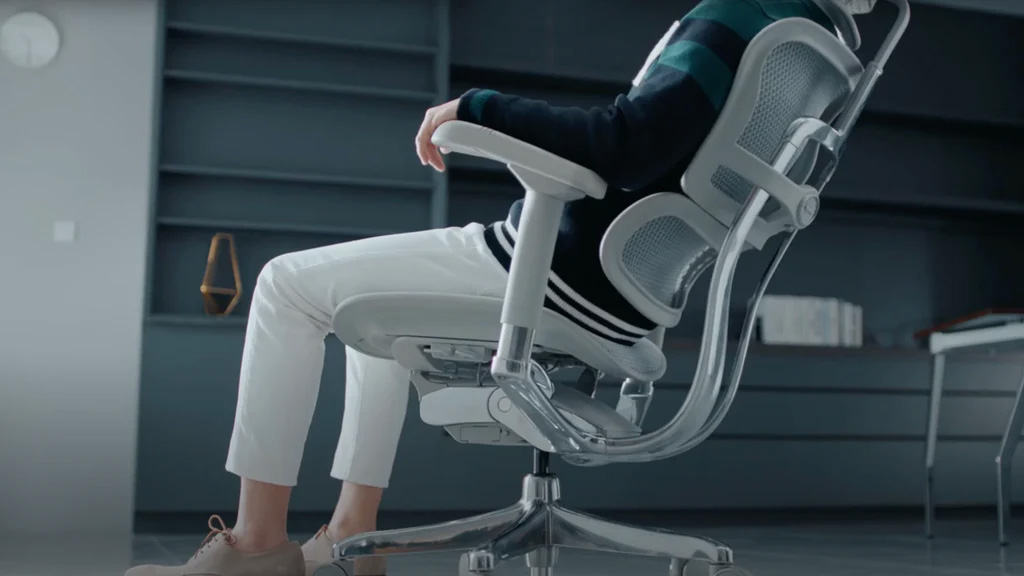
Task Chair vs Ergonomic Office Chair: Which Is Better for Your Workspace?
Is a task chair different from an ergonomic office chair, and which...
ErgoHuman Staff29 October 2026
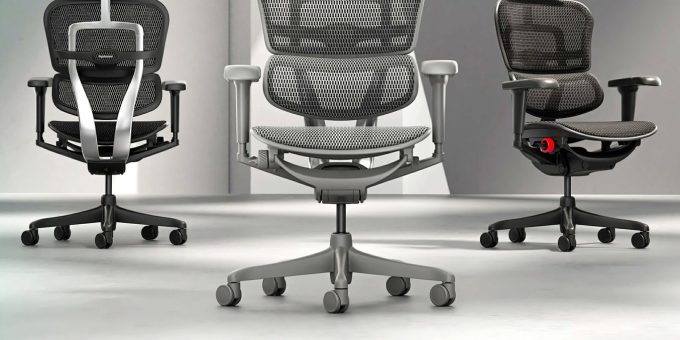
Office Chairs for Hot Desking Australia: Buyer’s Guide
Hot desking works when anyone can sit down at any desk and...
ErgoHuman Staff29 October 2026
Office Chair Tilt Mechanisms Explained: Tilt Lock, Recline and Synchro-Tilt
The office chair tilt mechanism is the hidden part of your chair...
ErgoHuman Staff26 October 2026